
Close Job Card
Overview Of Close Job Card
Once the job work has been completed and any unused materials have been returned and recorded, you can proceed with closing the job card. Closing the job card confirms that all tasks related to the service have been successfully completed, materials have been accounted for, and no further actions are required for that job.
Process To Close Job Card In AlignBooks
-
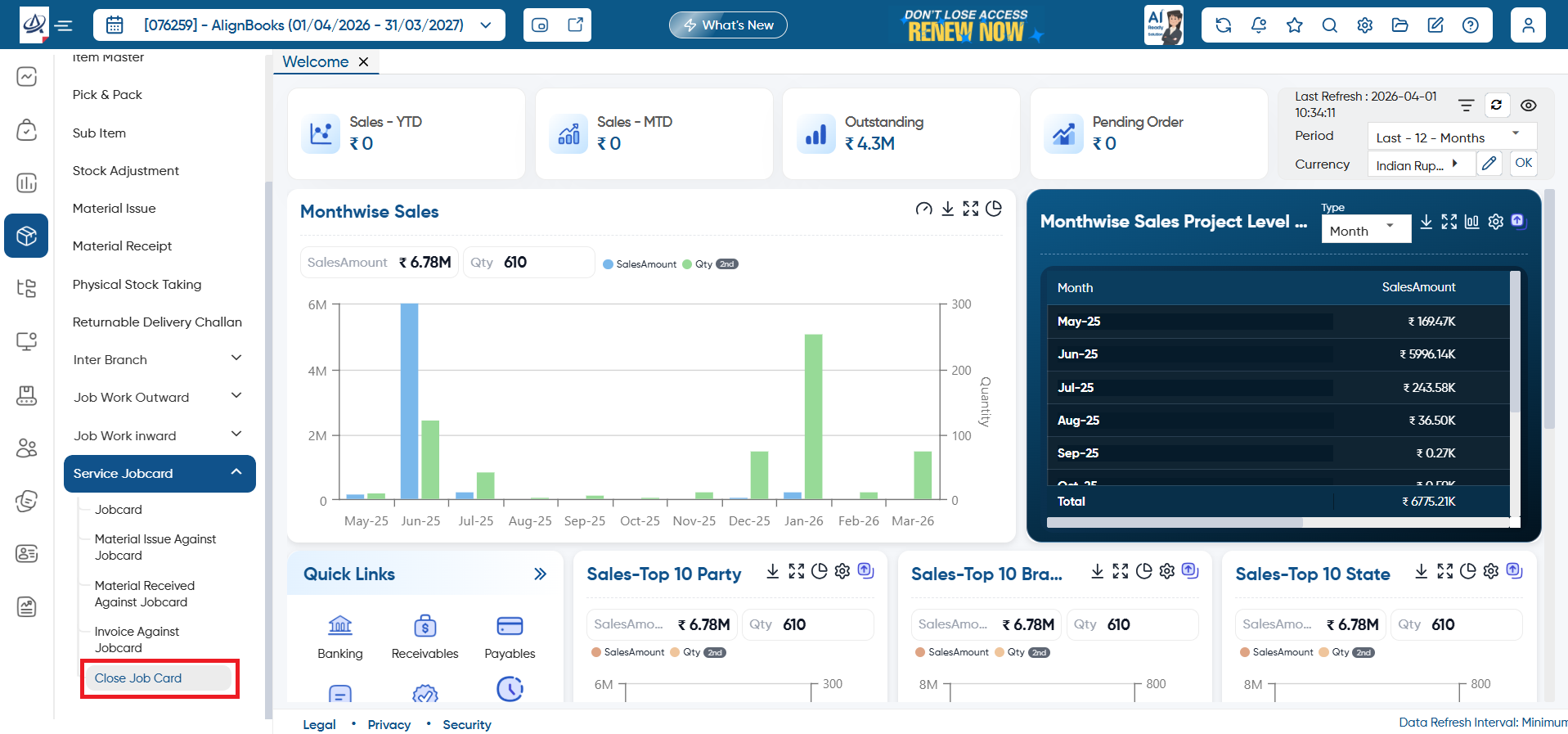
Go to Inventory > Service Jobcard > Close Job Card.
-
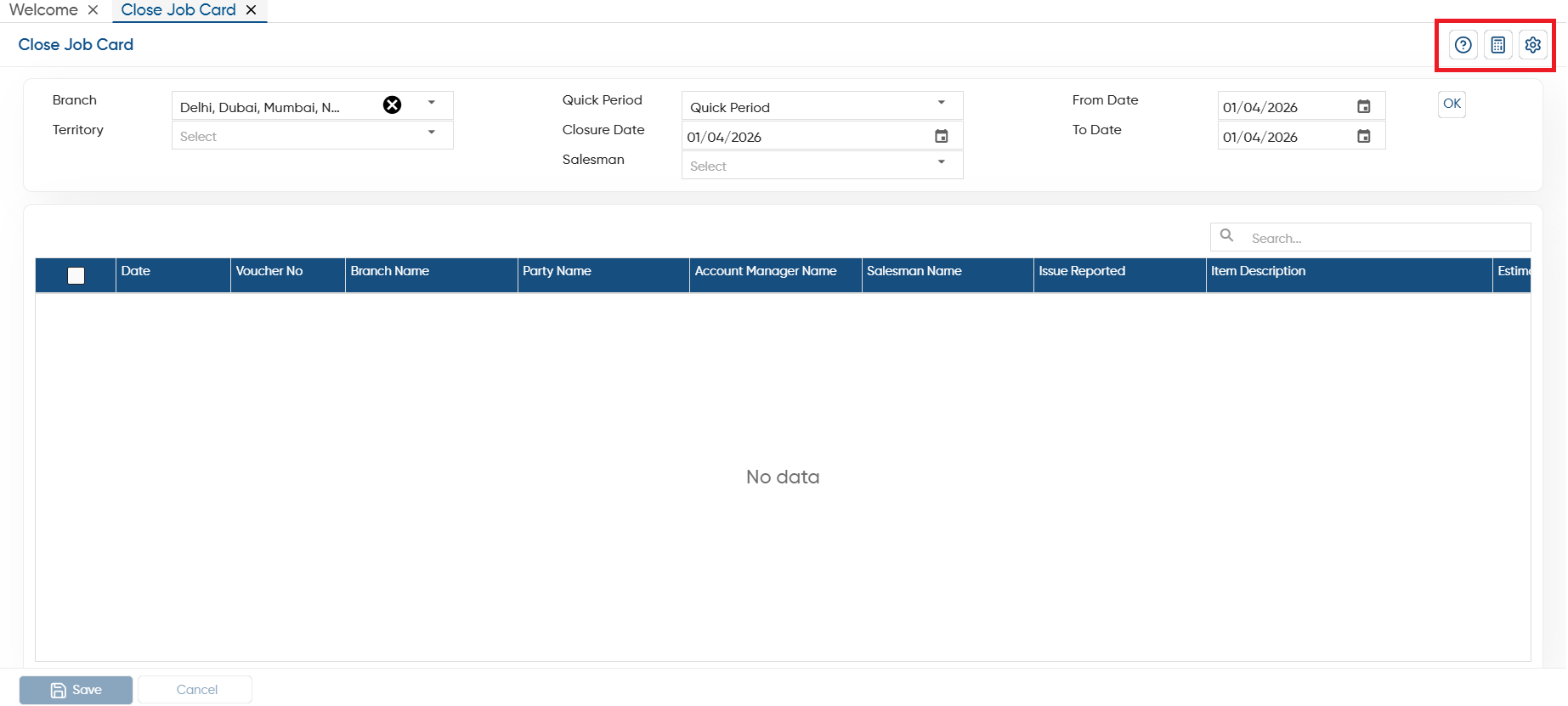
Branch: Select a specific branch for which you want to close the Job Card.
-
Quick Period: Select the period such as yesterday, Monthly, Quarterly etc.
-
Closure Date: Select the date on which you want to close this job.
-
From Date: Here, you can mention a specific date from which you want to close the jobcard.
-
To Date: Select the date till which you want to close the jobcard.
Click on 'Ok' button.
-
Tick the checkbox against the Jobcard that need to be closed and click on 'Save' button.

In this way you can Close the Job Card in AlignBooks.