
Holidays
In AlignBooks, if you are using HR/ Payroll module then to add a calendar is a crucial component that provides a structured timeline for managing key events, processes, and compliance requirements. It serves as a central reference point for HR and payroll professionals, ensuring accuracy, efficiency, and consistency in employee management and payroll operations. It helps in identify the number of holidays in the month at the time of processing the salary and attendance.
-
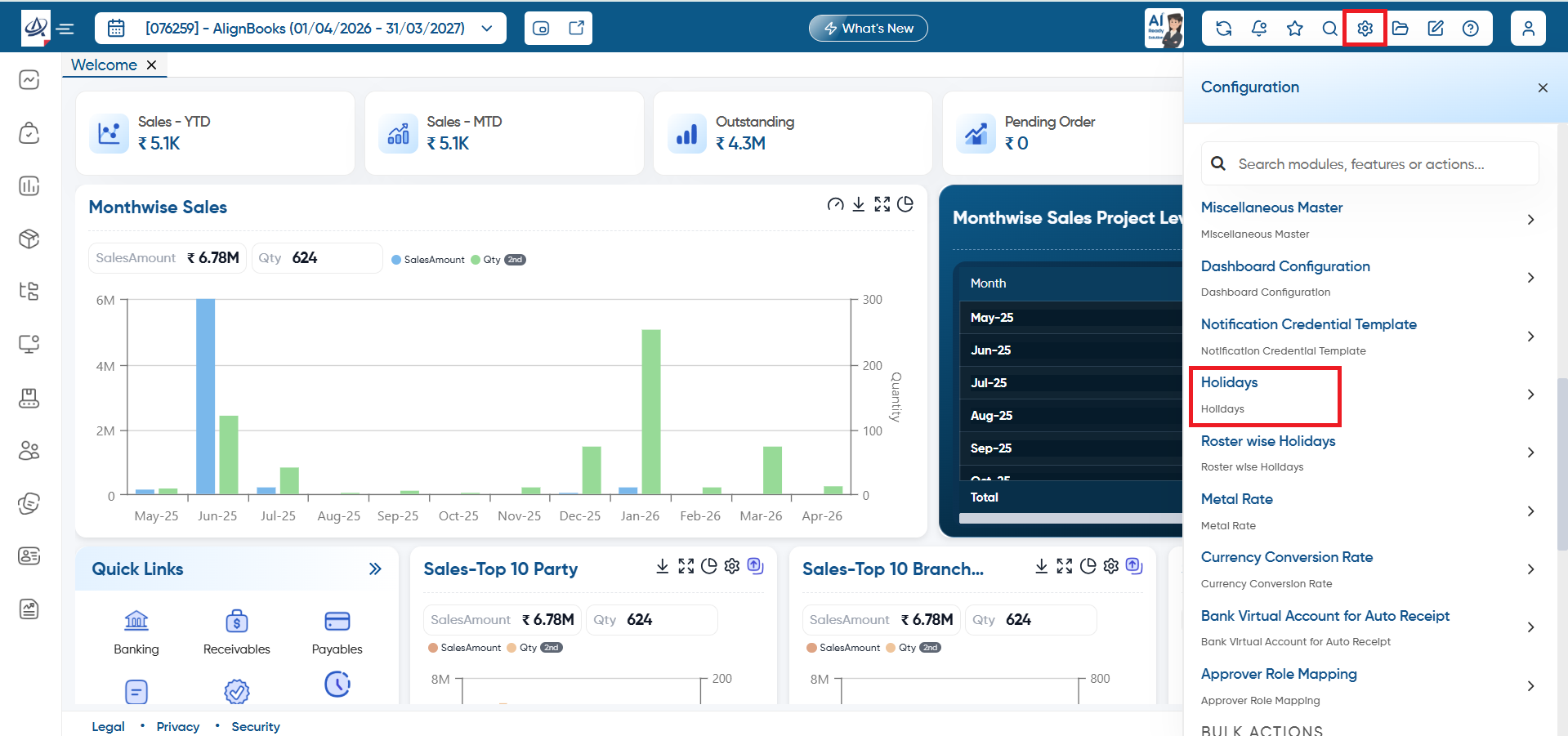
Click on 'Configuration' icon and select the option 'Holidays'.
-
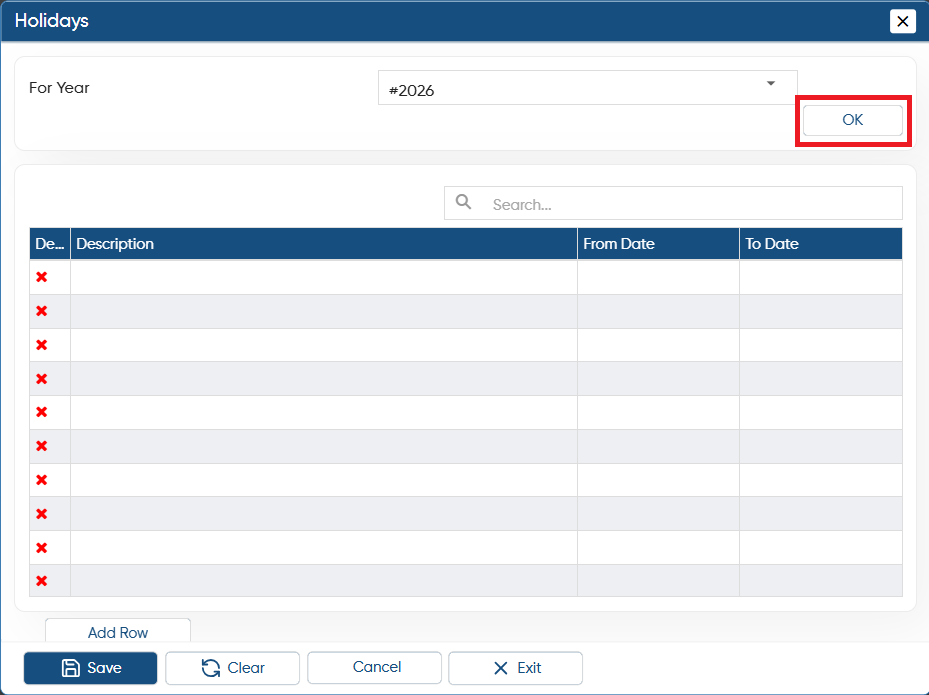
In 'For Year' option, select the year for which you want to create Calendar and click on 'OK' button.
-
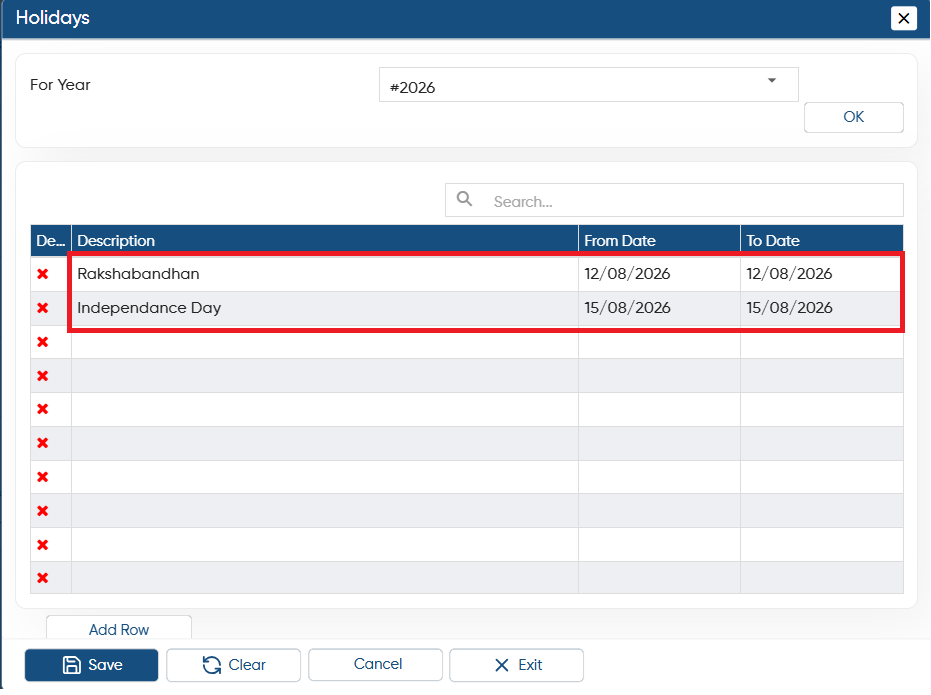
In 'Description' field, mention the holiday name as per the requirement. This name will display in the Holidays.
-
In the 'From Date' and 'To Date' fields, click the calendar icon and choose the date that is designated as a holiday.
-
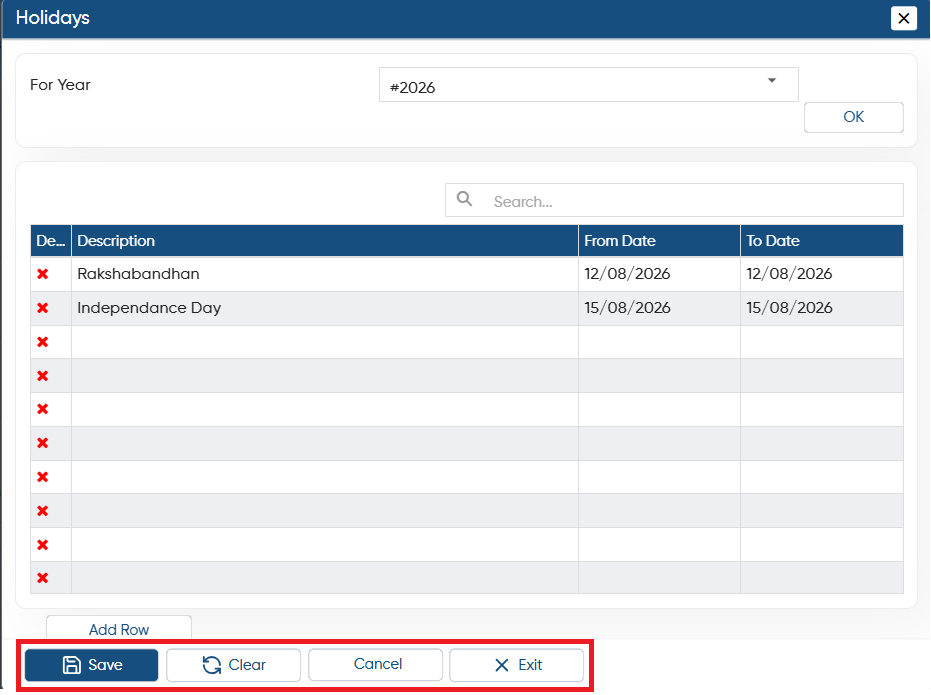
Save: Click on the button to save the details.
-
Clear: Click the button to reset all values. This option will not delete any saved data.
-
Cancel: Click the button to undo the changes or reset the selected period. This will remove the modifications you made, and you can also select a different year to make changes.
-
Exit: To exit from the window click on this button.
In this way you can Manage the Holidays in AlignBooks.