
RFP Evaluate Proposal
The ‘RFP Evaluate Proposal’ section allows you to carefully review and compare all proposals submitted by different vendors in one place. In this section, you can check important details such as the executive summary, proposed solution, pricing structure, payment terms, attached documents, and any additional information provided by the vendor.
This helps you clearly understand what each vendor is offering. By analyzing and comparing these details side by side, you can make a well-informed decision and select the proposal that best fits your business requirements before moving forward with approval or finalization.
-
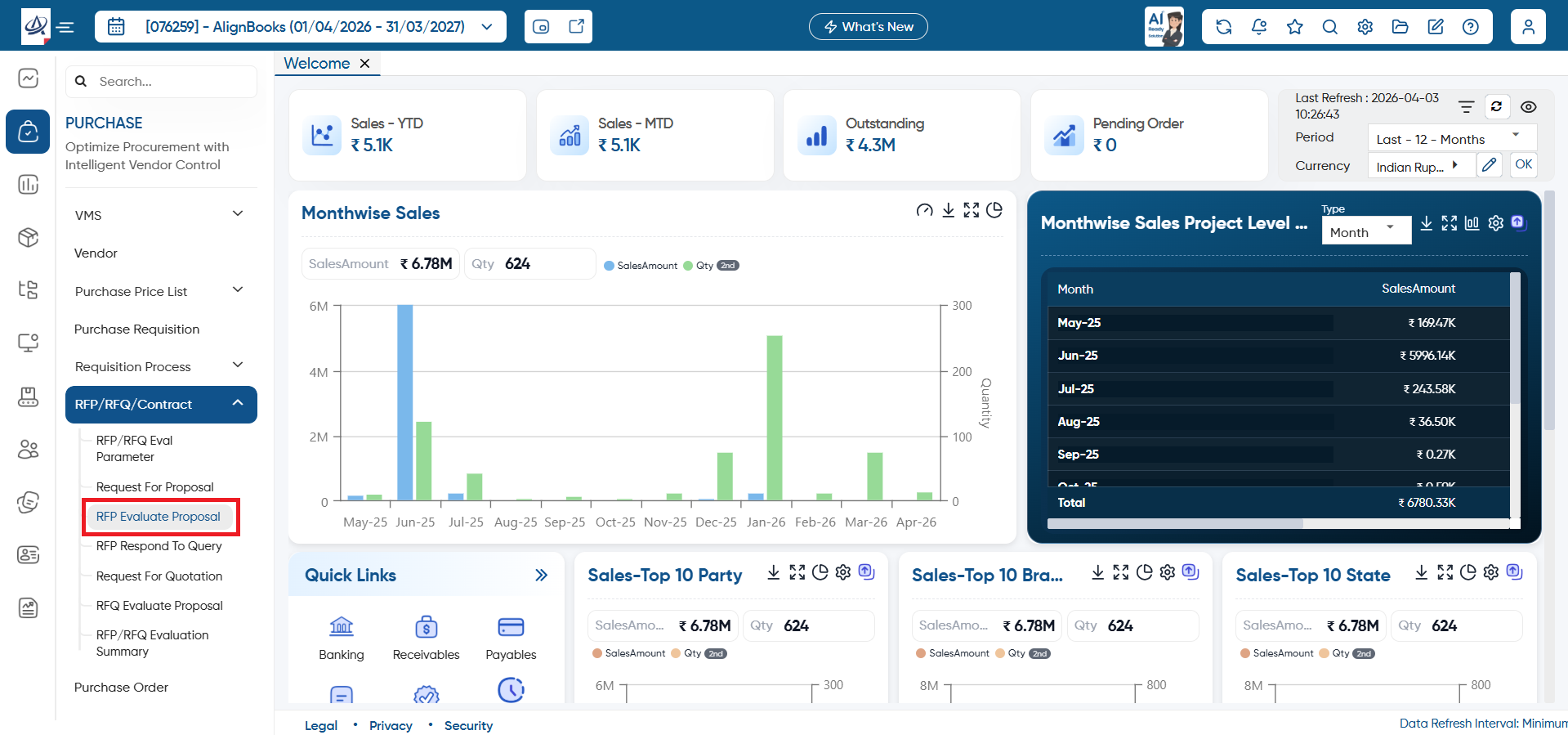
Open the ‘Purchase’ > RFP/RFQ/Contract > RFP Evaluate Proposal.
-
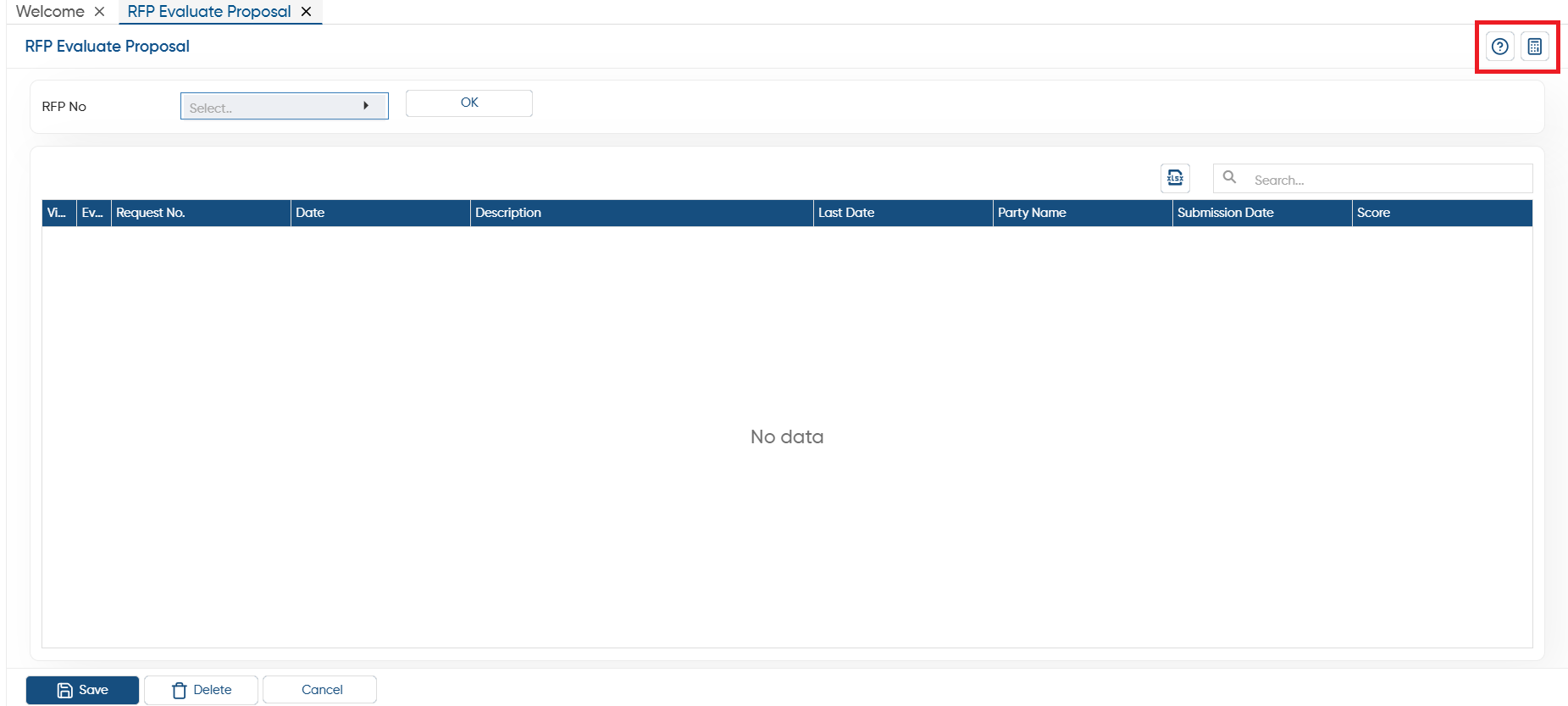
Help: Click on the help icon to access the step by step guide of the Process.
-
Calculator: Use the calculator icon for calculations on the same screen. This in-built calculator will help users to do calculations without switching from the software.
-
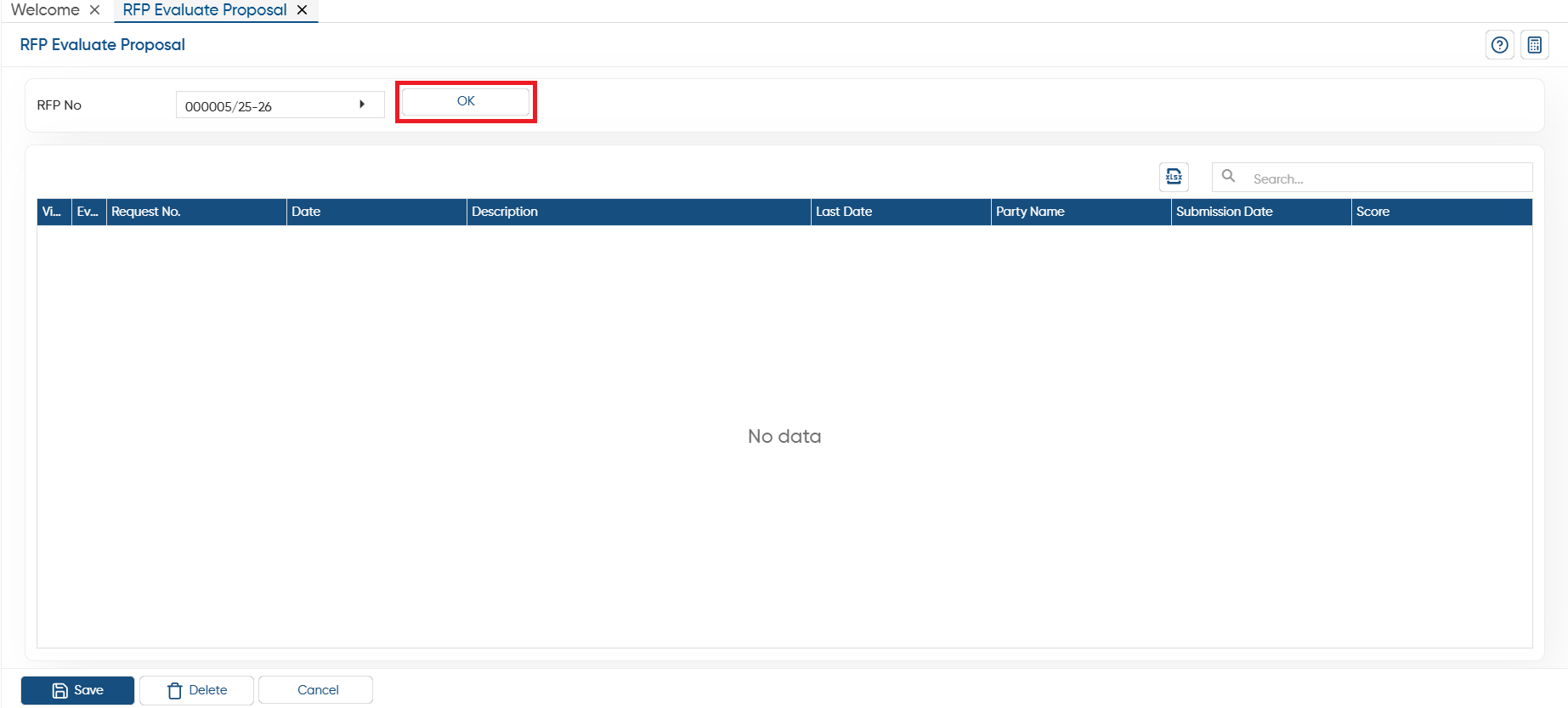
In ‘RFP No’ option, select the proposal which you want to evaluate and click on the ‘Ok’ button.
-
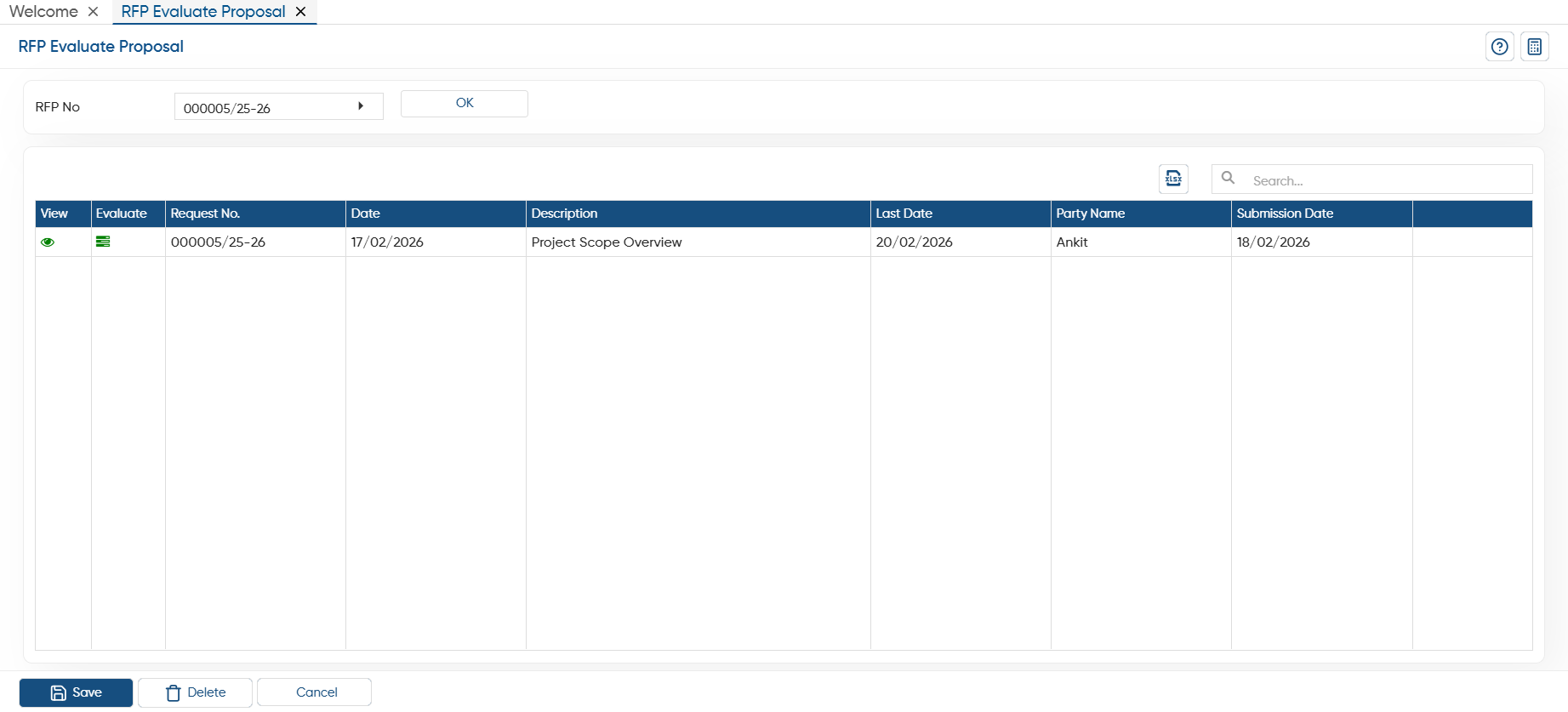
You can view the proposals will display. Here, you can view and evaluate the proposal through the given icon.
-
With the help of the ‘View’
 icon, you can see the proposal details.
 -
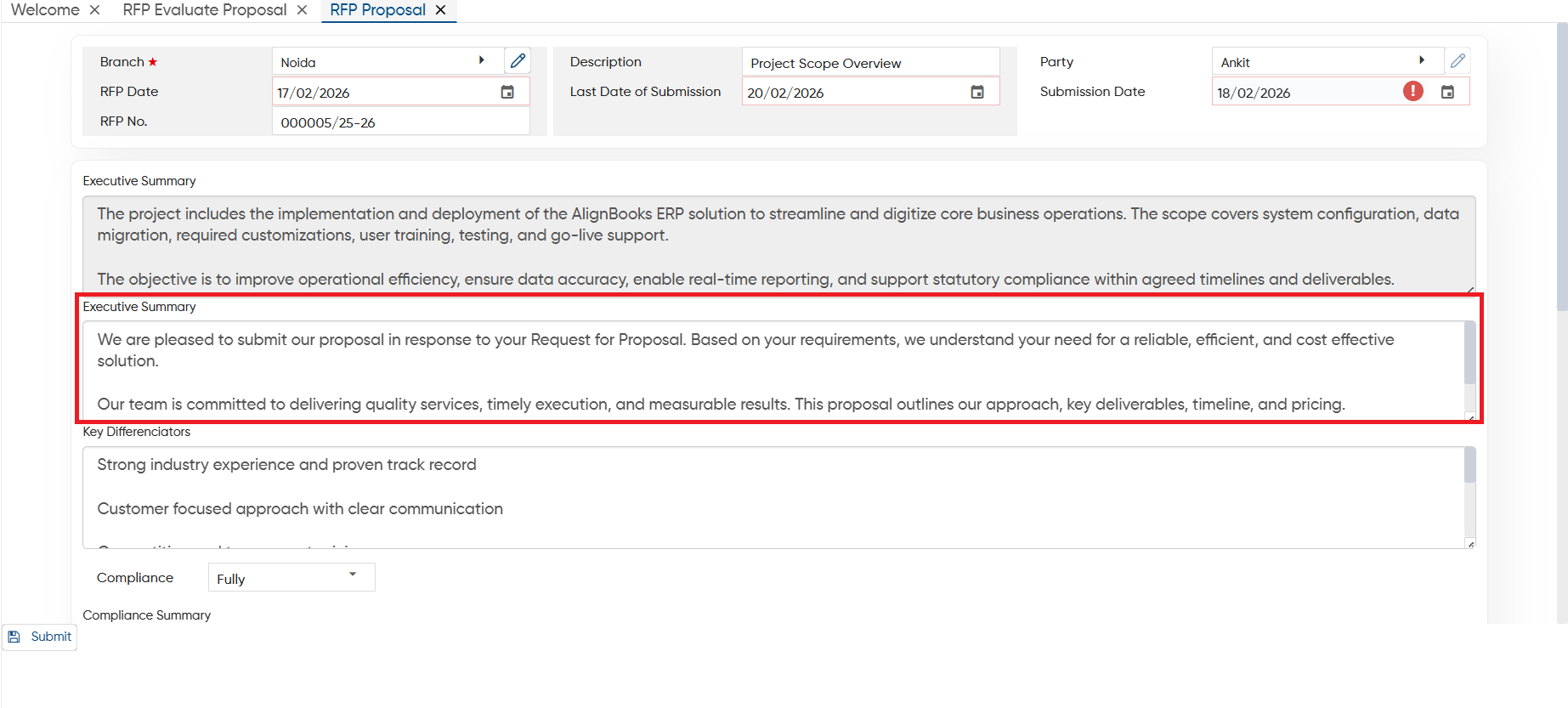
Once the vendor submits the proposal from their portal, you can check the defined ‘Executive Summary’, attached documents, payment terms, etc.
-
To evaluate the proposal, click on
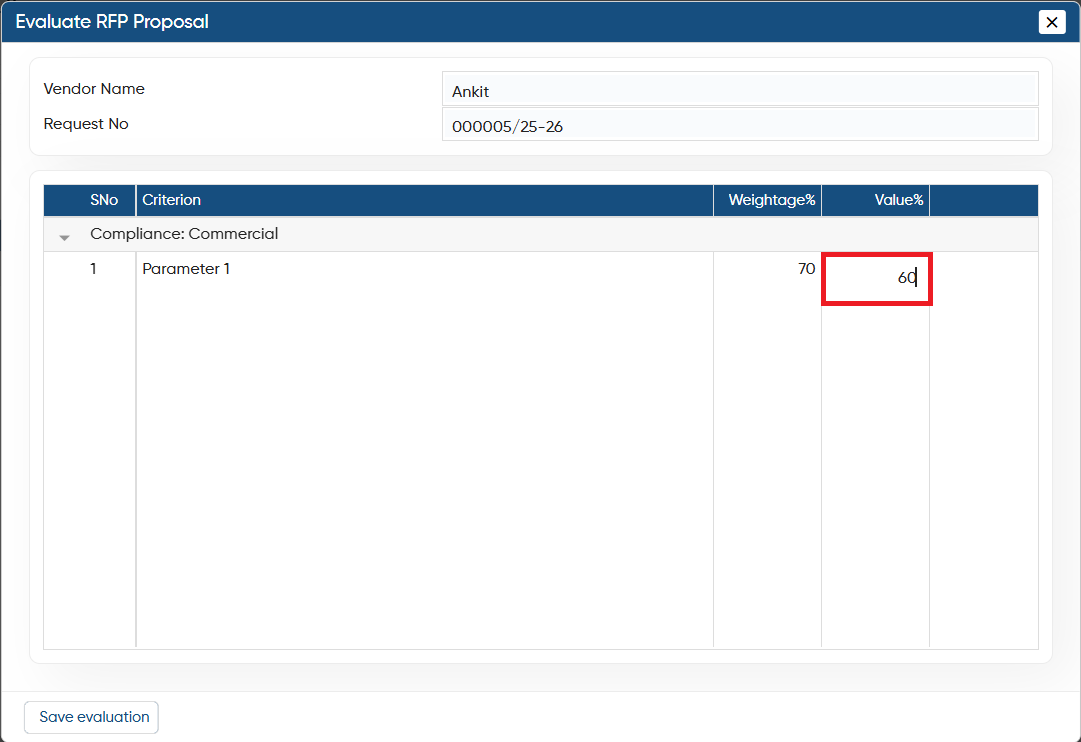
 icon, here you can view the vendor name, weightage %.
 -
In Value% column, mention the evaluation as your requirement and click on the ‘Save Evaluation’ button.
In this way you can create and manage RFP Evaluate Proposal in AlignBooks.