
RFP Respond To Query
Once the vendor accepts the proposal, they may have some questions or need clarification about certain details mentioned in it. To make communication simple and organized, the vendor can raise their queries directly through the Vendor Portal.
Any questions submitted by the vendor will be visible to you in the system. You can check all their queries and provide your responses by using the ‘RFP Respond to Query’ option. This helps ensure that all communication related to the proposal stays in one place and can be easily tracked.
-
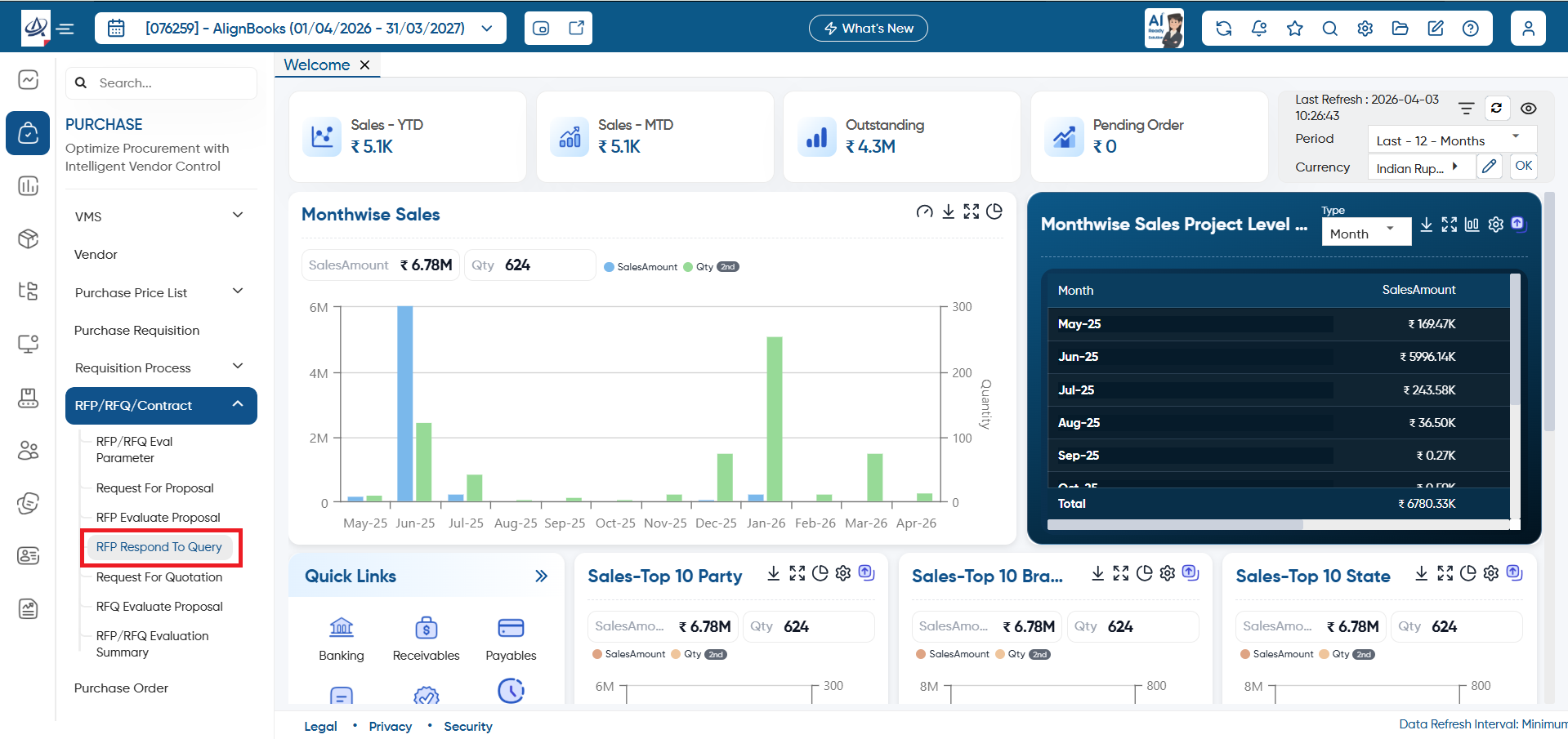
To response to those queries, open the ‘Purchase’ > ‘RFP/RFQ/Contract’ > ‘RFP Respond To Query’ option.
-
Help: Click on the help icon to access the step by step guide of the Process.
-
Calculator: Use the calculator icon for calculations on the same screen. This in-built calculator will help users to do calculations without switching from the software.
-
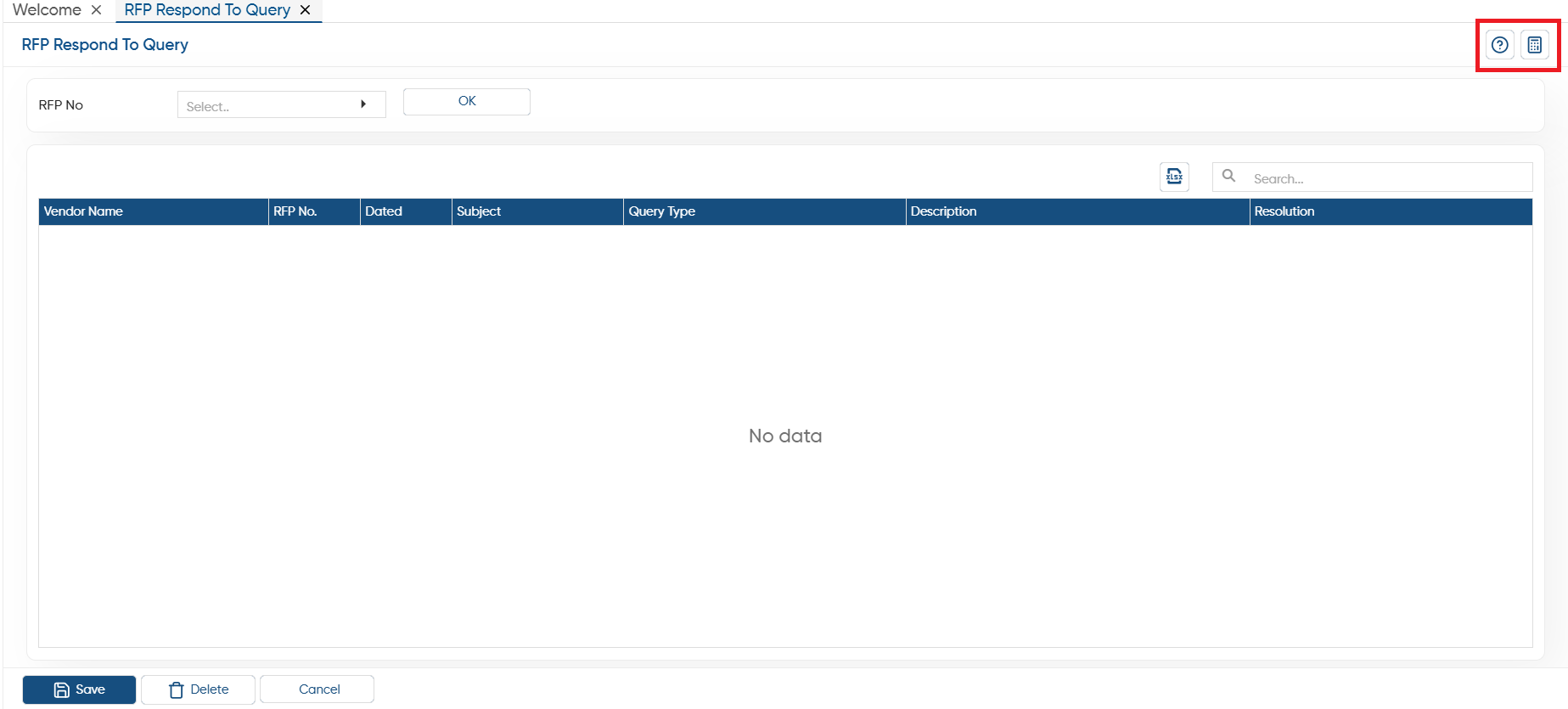
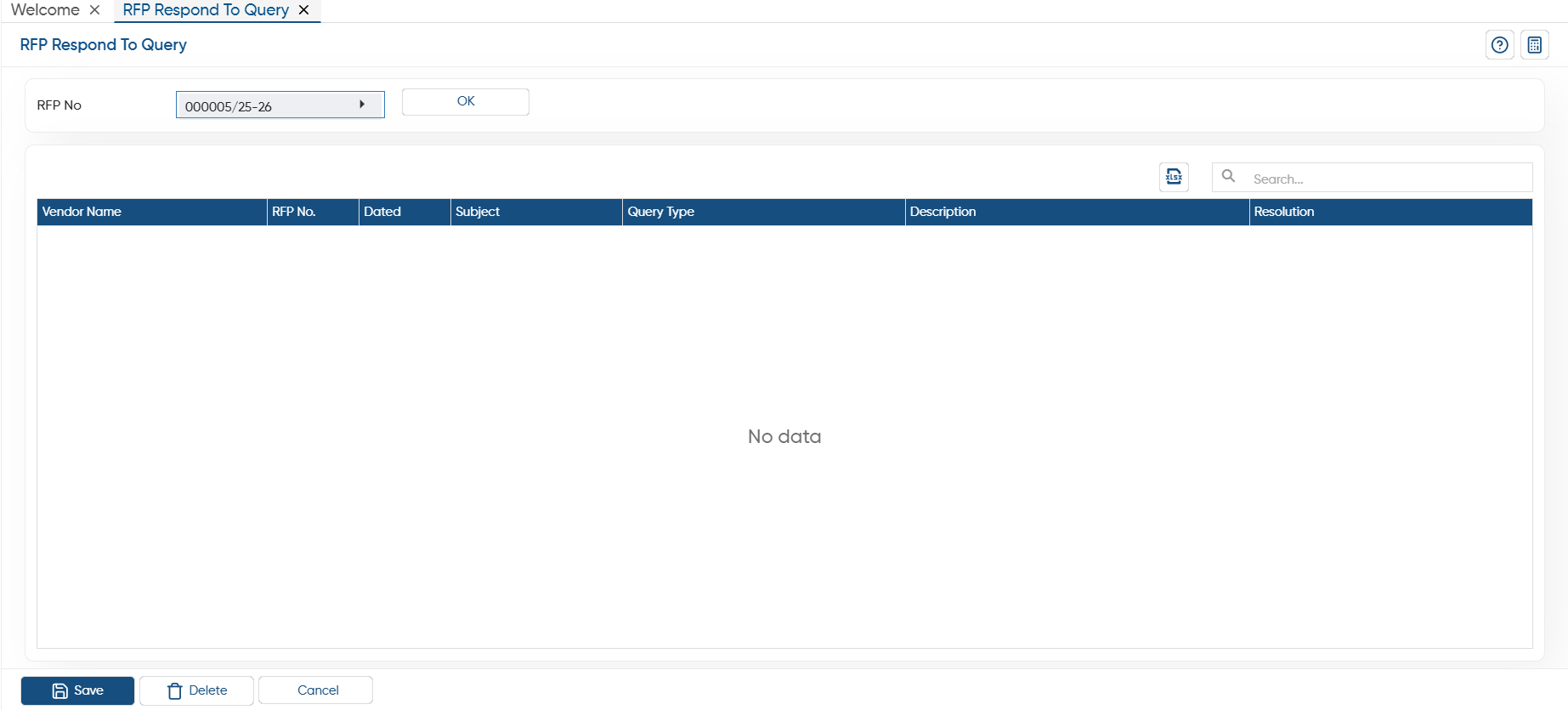
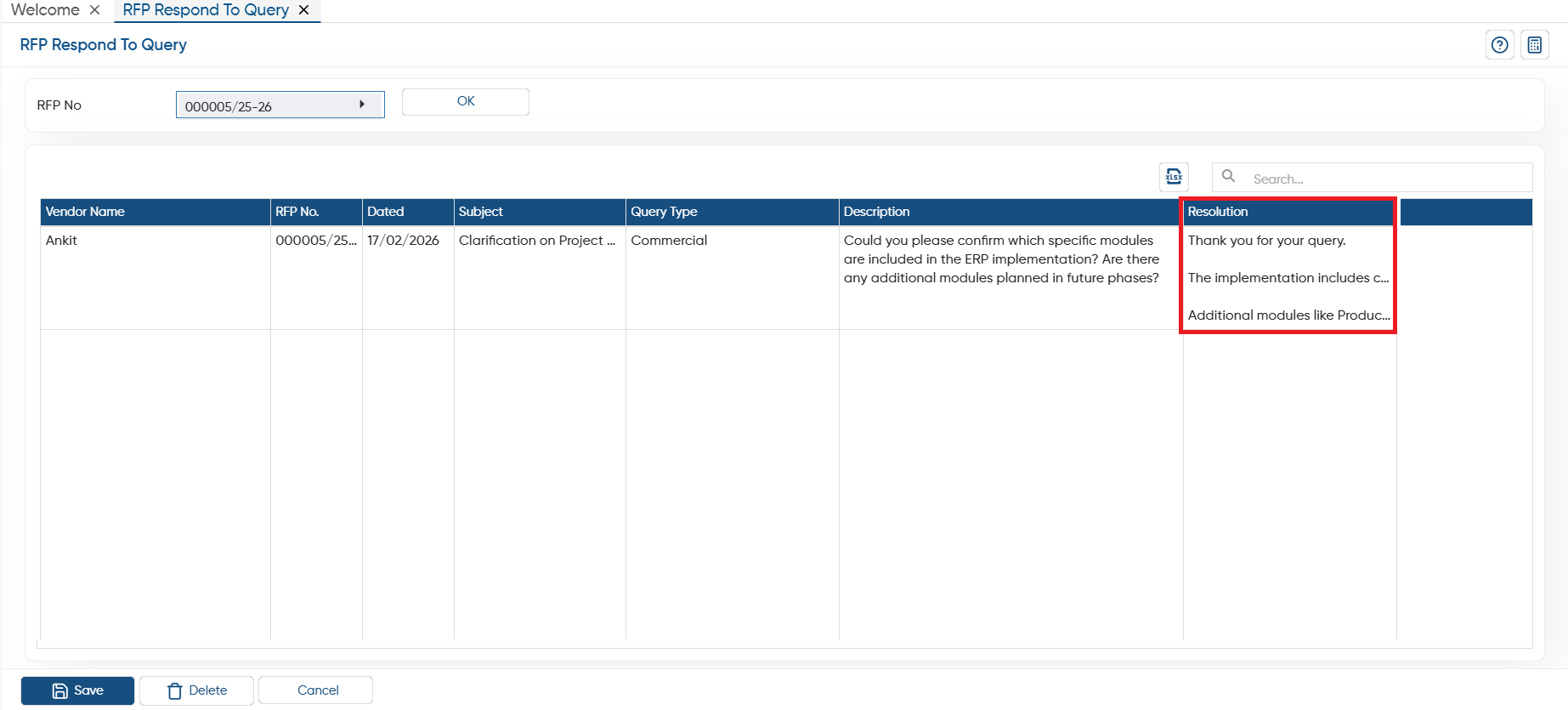
In ‘RFP No.’, select the proposal and click on the ‘Ok’ button.
-
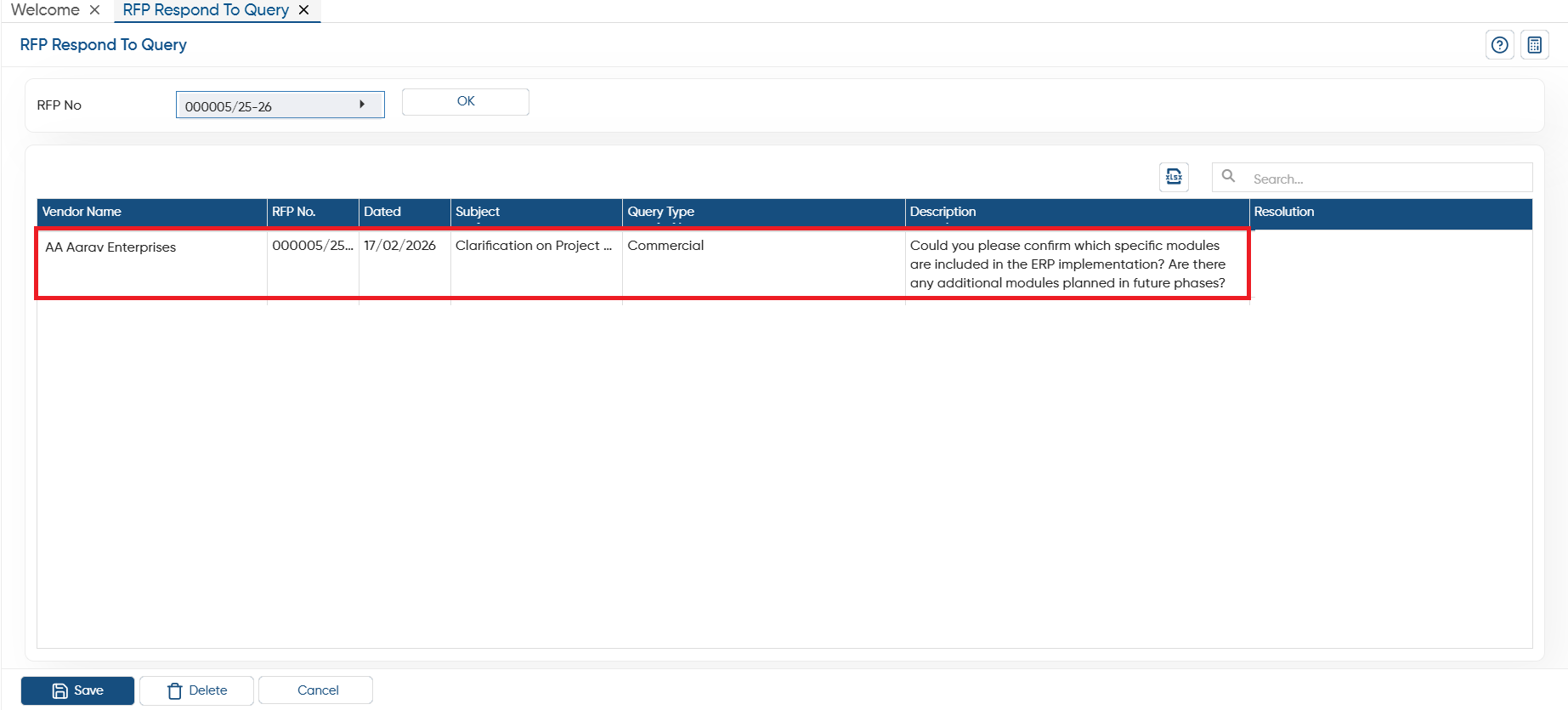
You can view query in the description box raised by the vendor.
-
In ‘Resolution’, you can mention the response as per your requirement and click on the ‘Save’ button.
In this way you can create and manage the RFP Respond To Query in AlignBooks.