
RFP/RFQ Evaluate Summary
The ‘RFP/RFQ Evaluate Summary’ section allows you to view a complete summary of the evaluation for all submitted proposals or quotations in one place. It shows the consolidated scores based on the defined evaluation parameters and assigned weightage. Through this summary, you can easily compare vendors side by side, understand their overall ranking, and identify which proposal or quotation performs best according to your evaluation criteria. This helps in making a transparent, data-driven, and well-informed final decision.
-
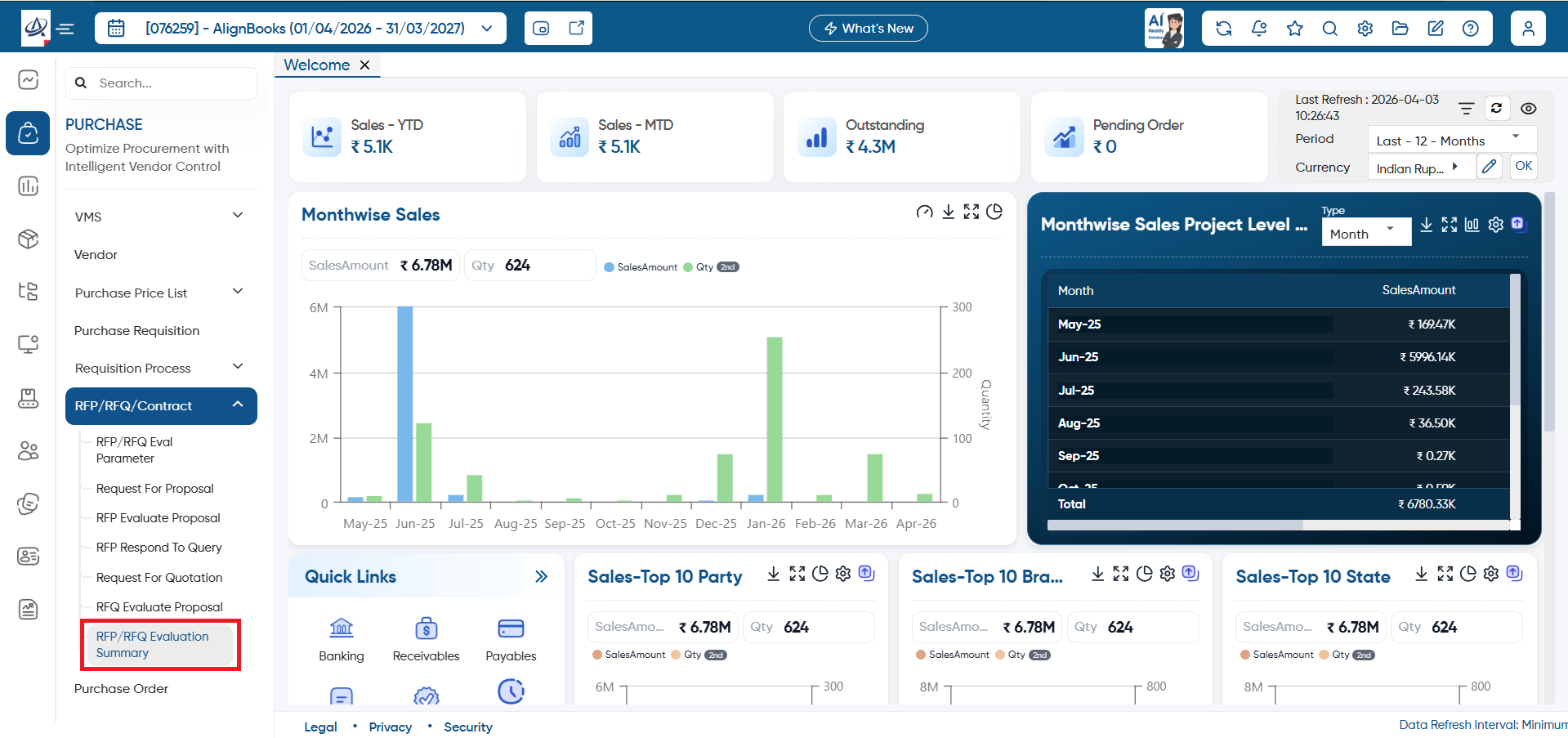
To view evaluation summary, open the ‘Purchase’ > ‘RFP/RFQ/Contract’ > ‘RFP/RFQ Evaluate Summary’ option.
-
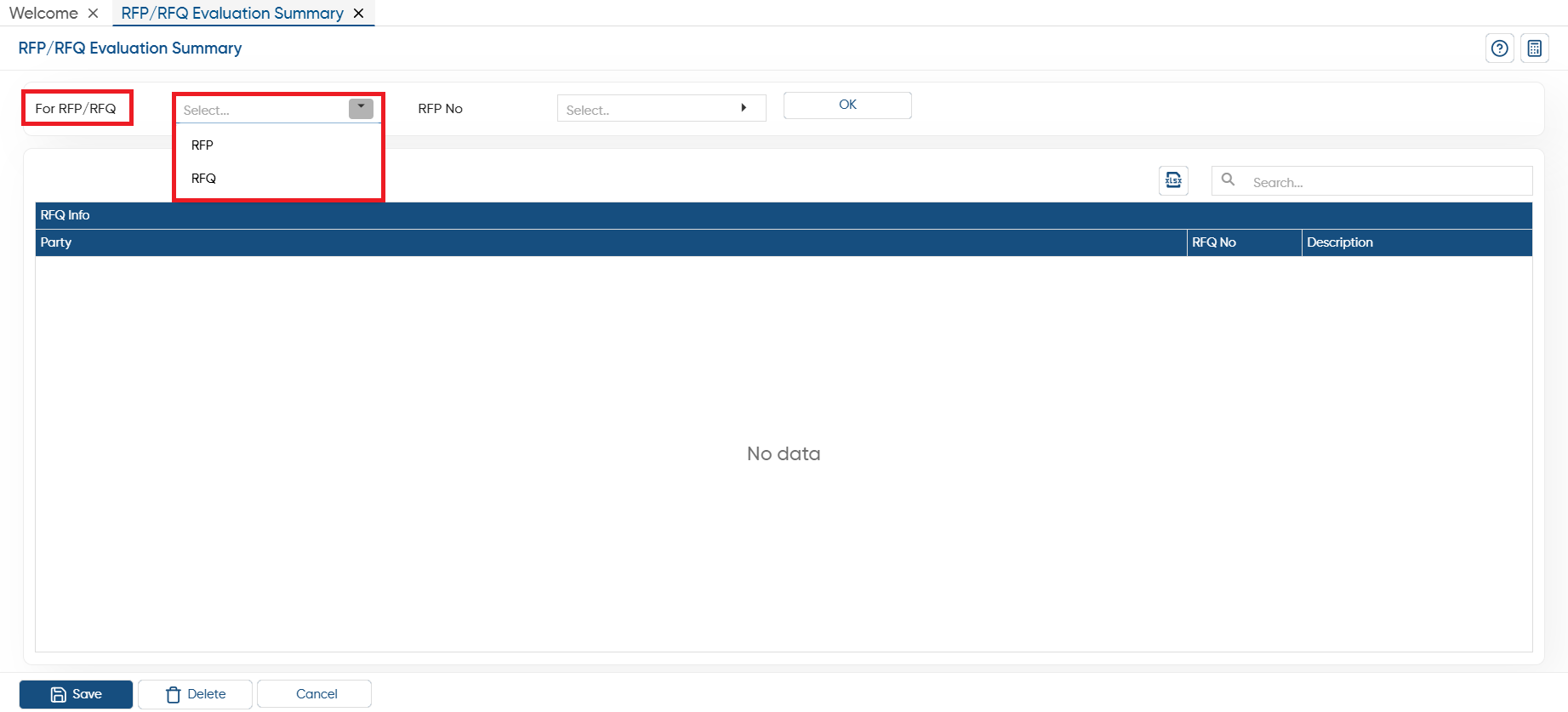
In 'For RFP/RFQ' option select whether you want to view the summary of RFP or RFQ.
-
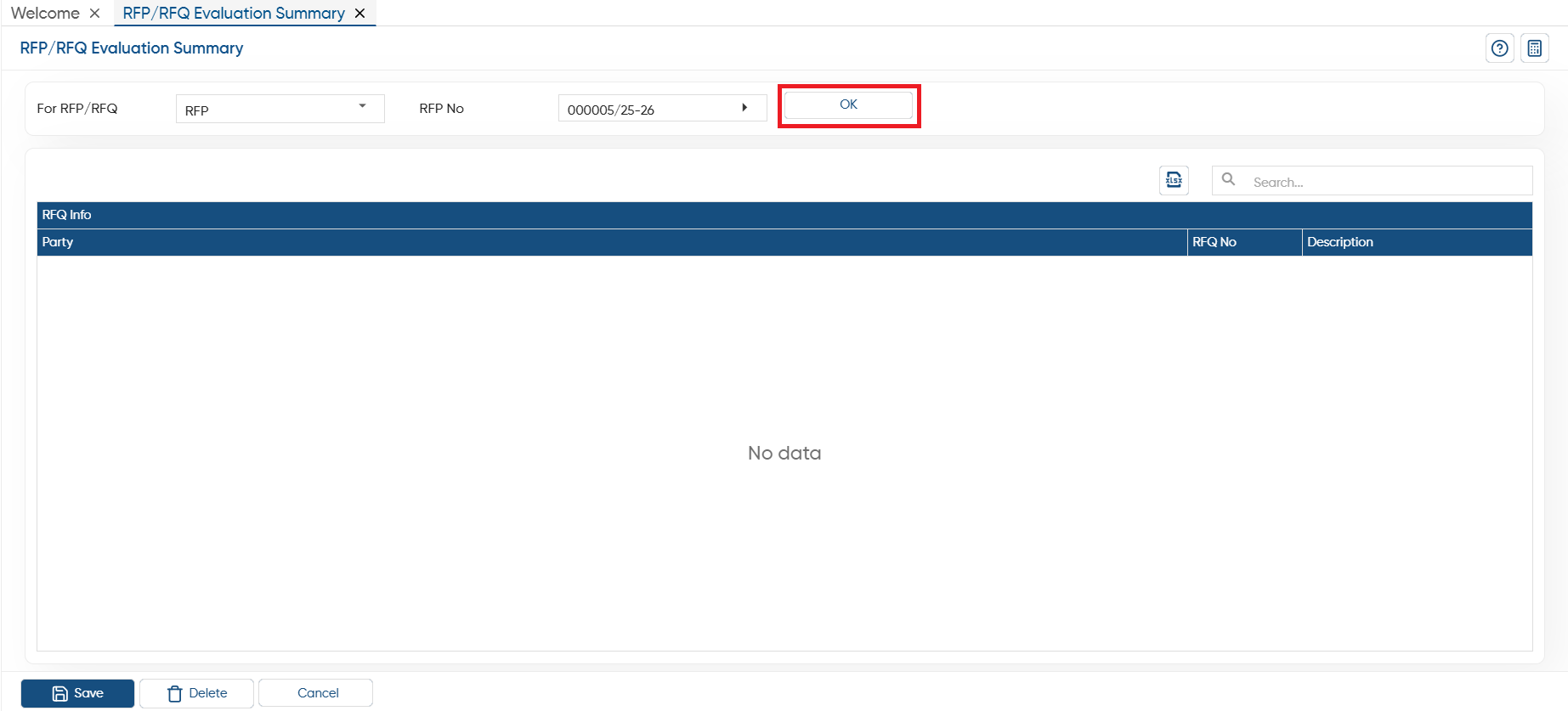
Based on the RFP or RFQ you will select, a list will display in RFP No., select the proposal/ quotation and click on the 'Ok' button.
-
Thereafter, you can view the RFP/RFQ along with their description, parameters.
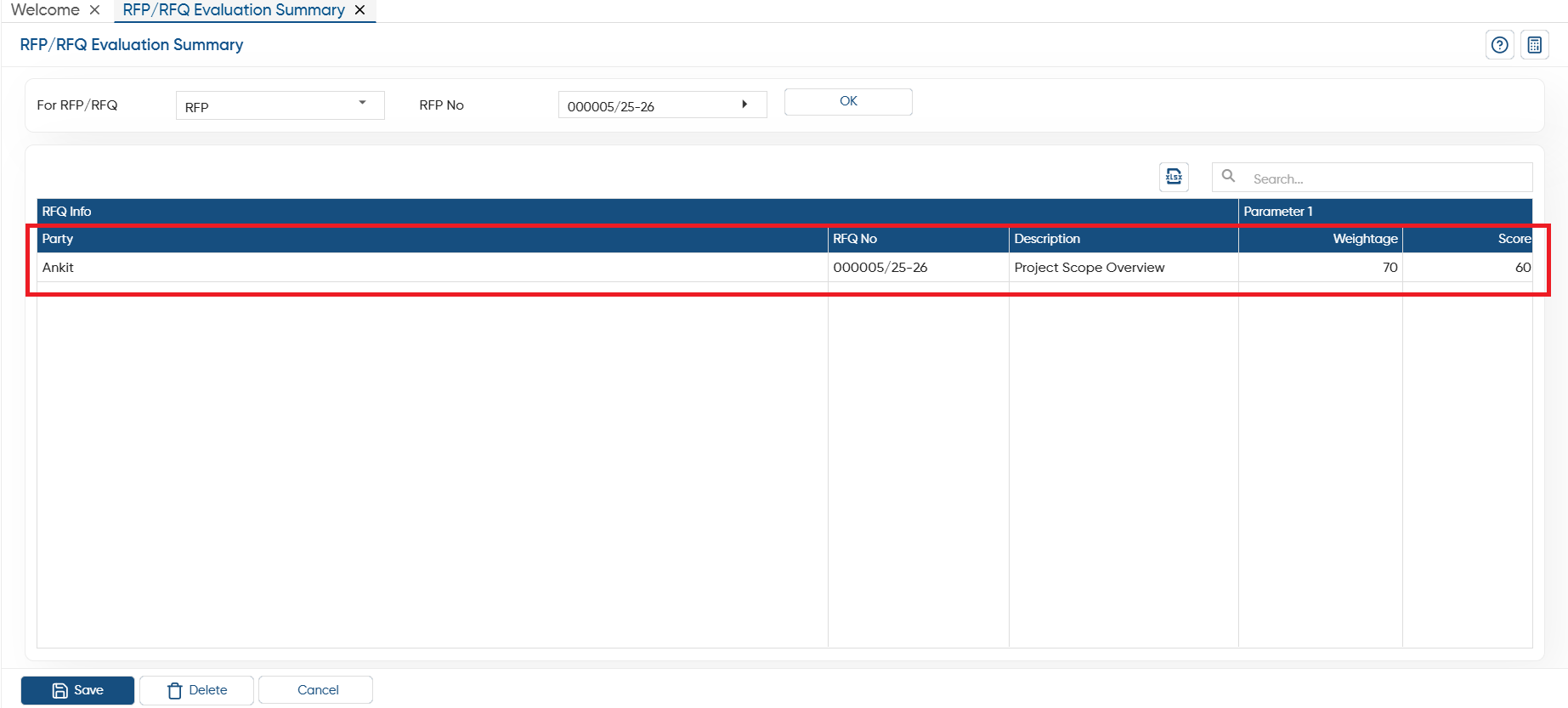
In this way you can evaluate RFP/RFQ Summary in AlignBooks.