
RFQ Evaluate Proposal
After you raise the Request for Quotation, the vendor can view the request directly on their portal. They will review the details, and if the requirements and terms are acceptable, they will accept the request and proceed to submit their quotation through the system.
Once the quotation is submitted, you can access it through the ‘RFQ Evaluate Proposal’ option. In this section, you can review all the details shared by the vendor, such as pricing, terms, and other relevant information. This helps you properly evaluate the quotation and move forward with comparison, approval, or further discussion as required.
-
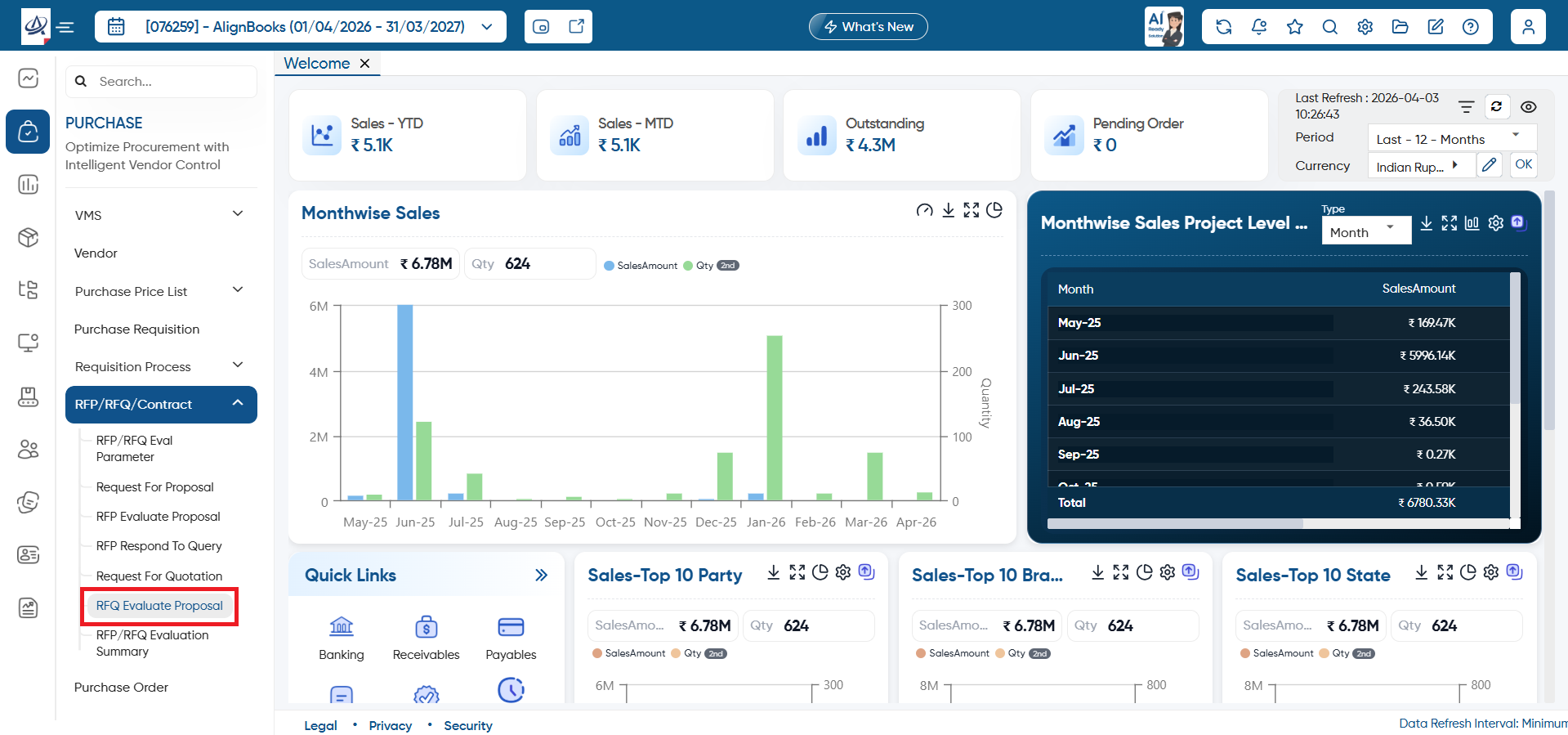
To review it, open the ‘Purchase’ > ‘RFP/RFQ/Contract’ > ‘RFQ Evaluate Proposal’ option.
-
Help: Click on the help icon to access the step by step guide of the Process.
-
Calculator: Use the calculator icon for calculations on the same screen. This in-built calculator will help users to do calculations without switching from the software.
-
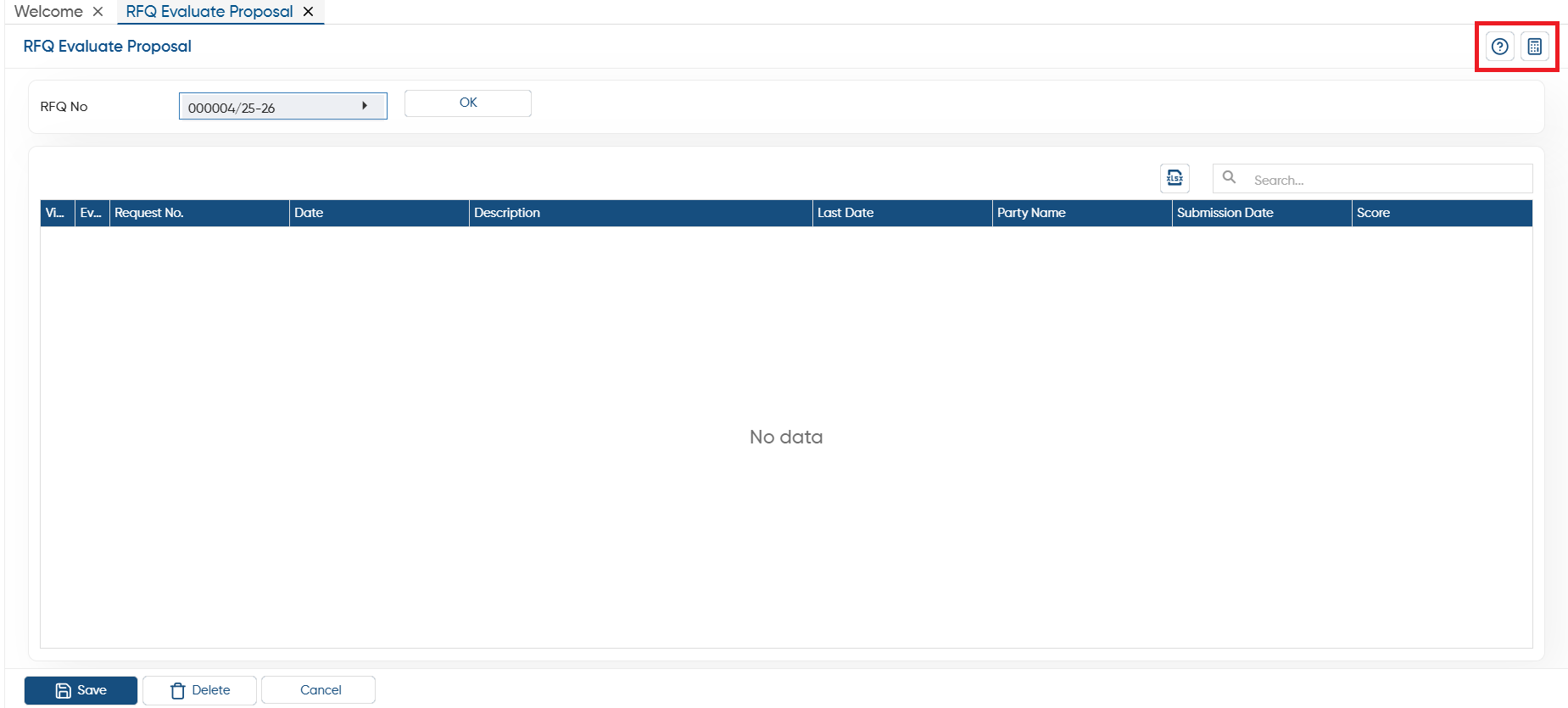
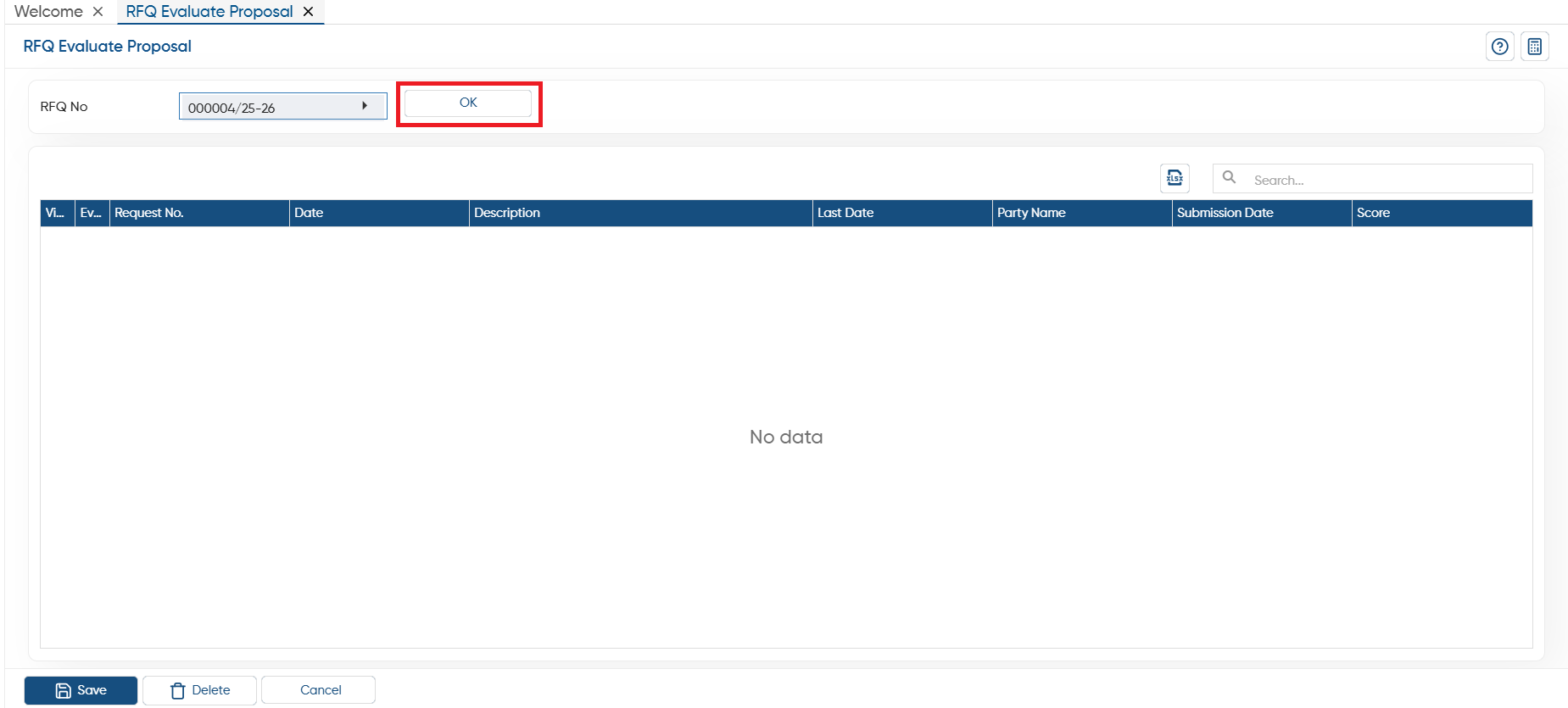
In ‘RFQ No.’, select the proposal and click on the ‘Ok’ button.
 Through this view icon, you can view the proposal details such as last date of submission, vendor, rate, etc.
 This icon will help you to evaluate the quotation.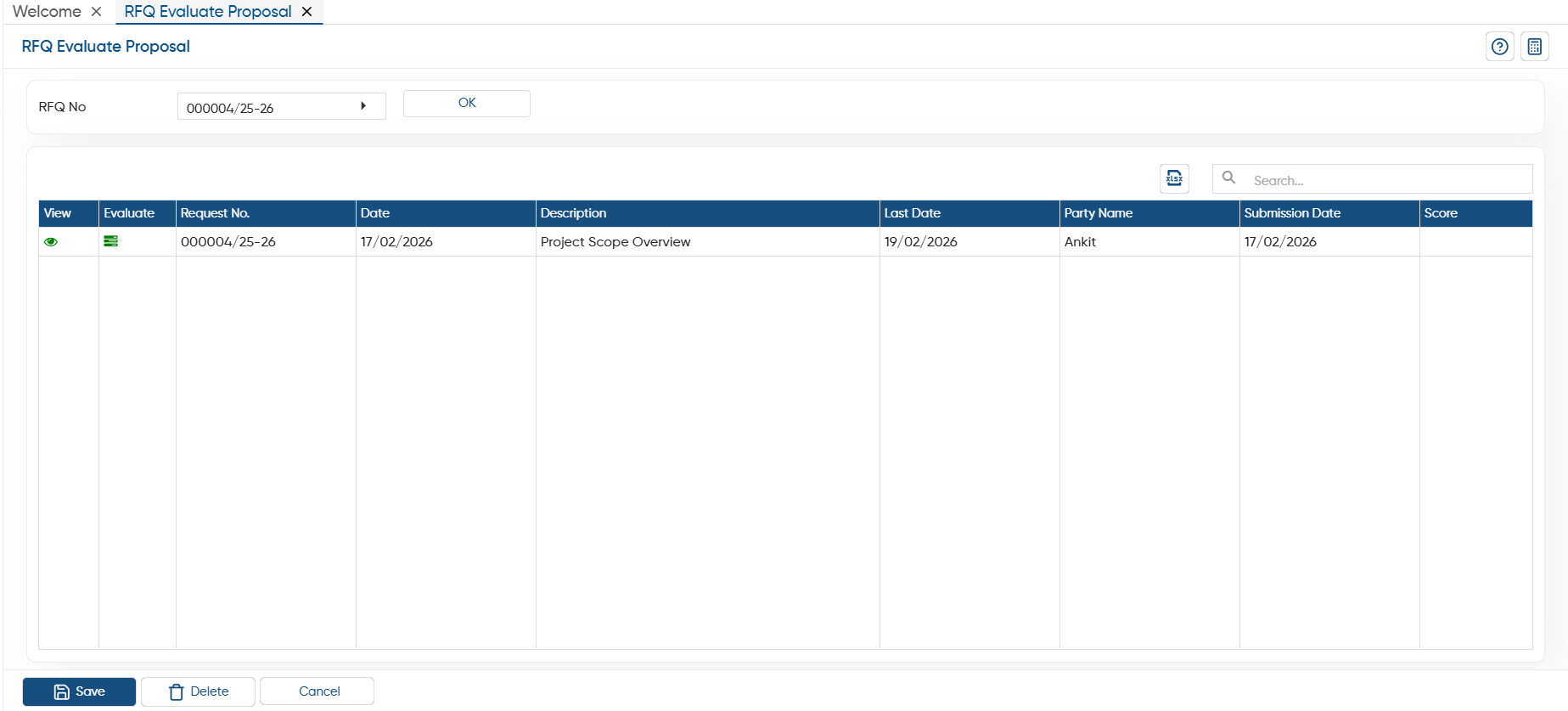
In this way you can manage RFQ Evaluate Proposal in AlignBooks.