
Scheme Evaluation
Scheme Evaluation is used to verify purchase transactions against the defined schemes applicable to vendors, party categories, or agents. It checks whether the transaction meets the required conditions to qualify for scheme benefits.
This process ensures accurate application of scheme discounts or benefits and helps avoid missed or incorrect claims.
In AlignBooks, Scheme Evaluation automatically evaluates each purchase entry and applies eligible scheme benefits in real time for all applicable vendors, party categories, or agents.
-
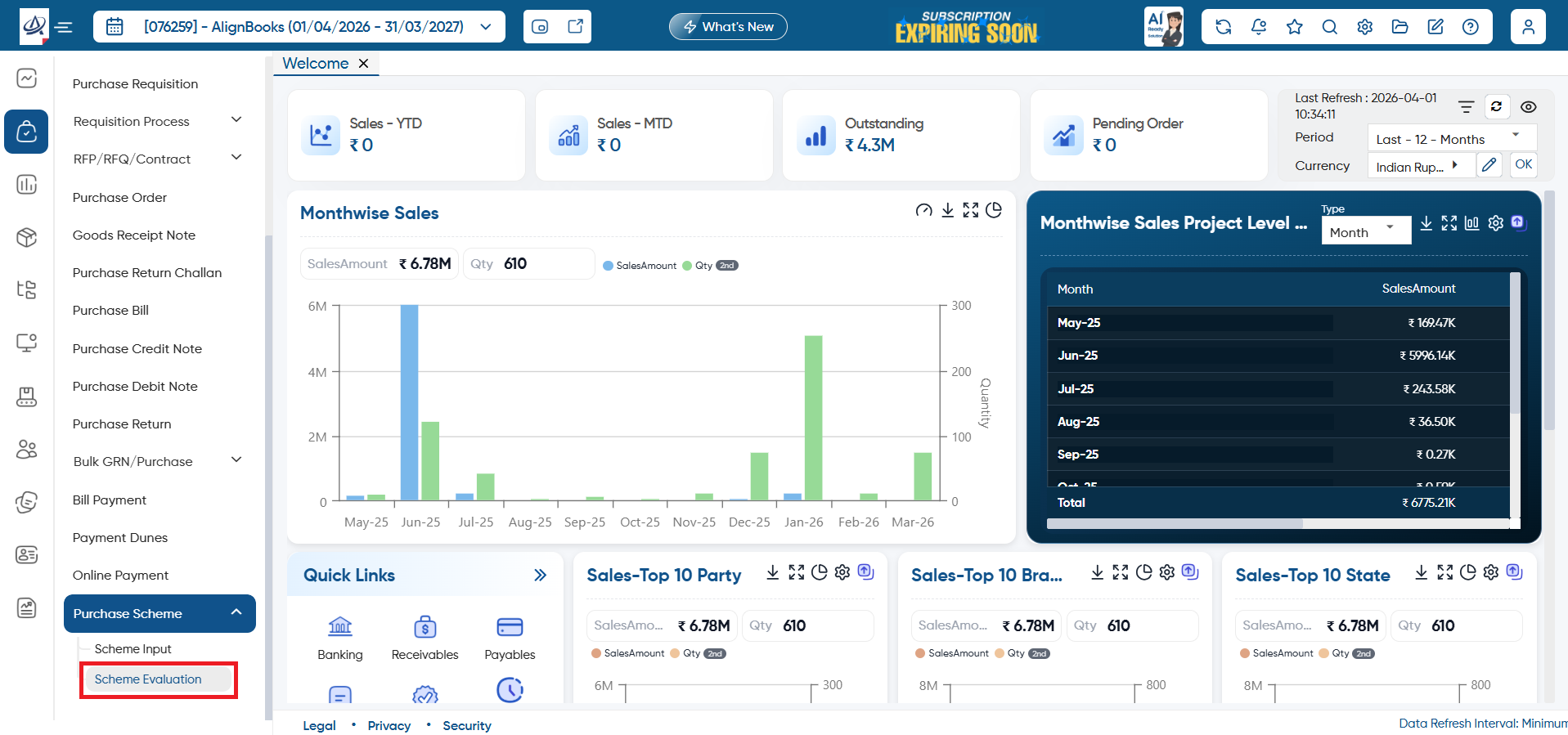
Go to Purchase > Purchase Scheme > Scheme Evaluation.
-
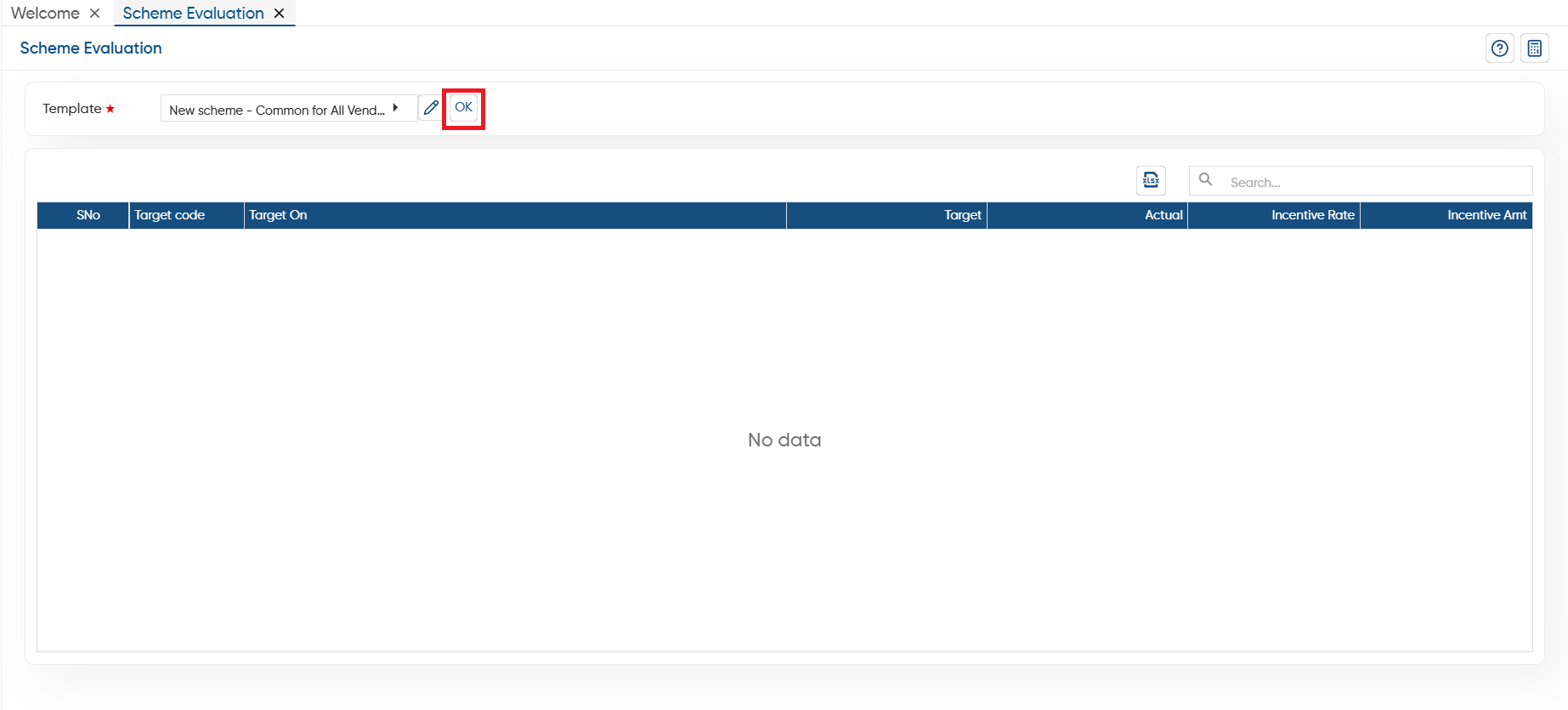
In 'Template' option, select the target/ scheme that you wants to evaluate and click on 'Ok' button.
-
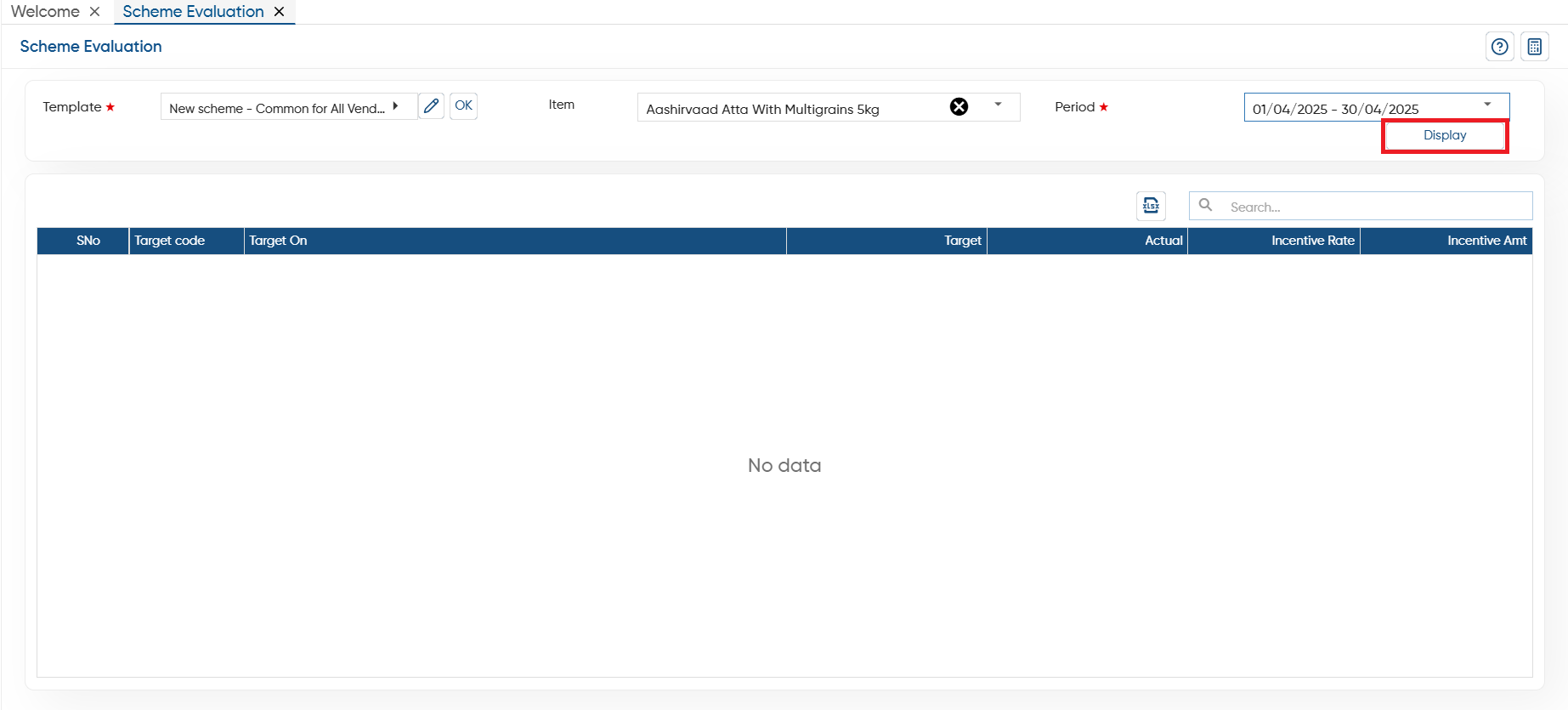
Now, select the item and period for which you want to evaluate the scheme.
-
Click on the 'Display' button.
-
You can view in Target column, it's showing the scheme quantity that you have fixed for the item.
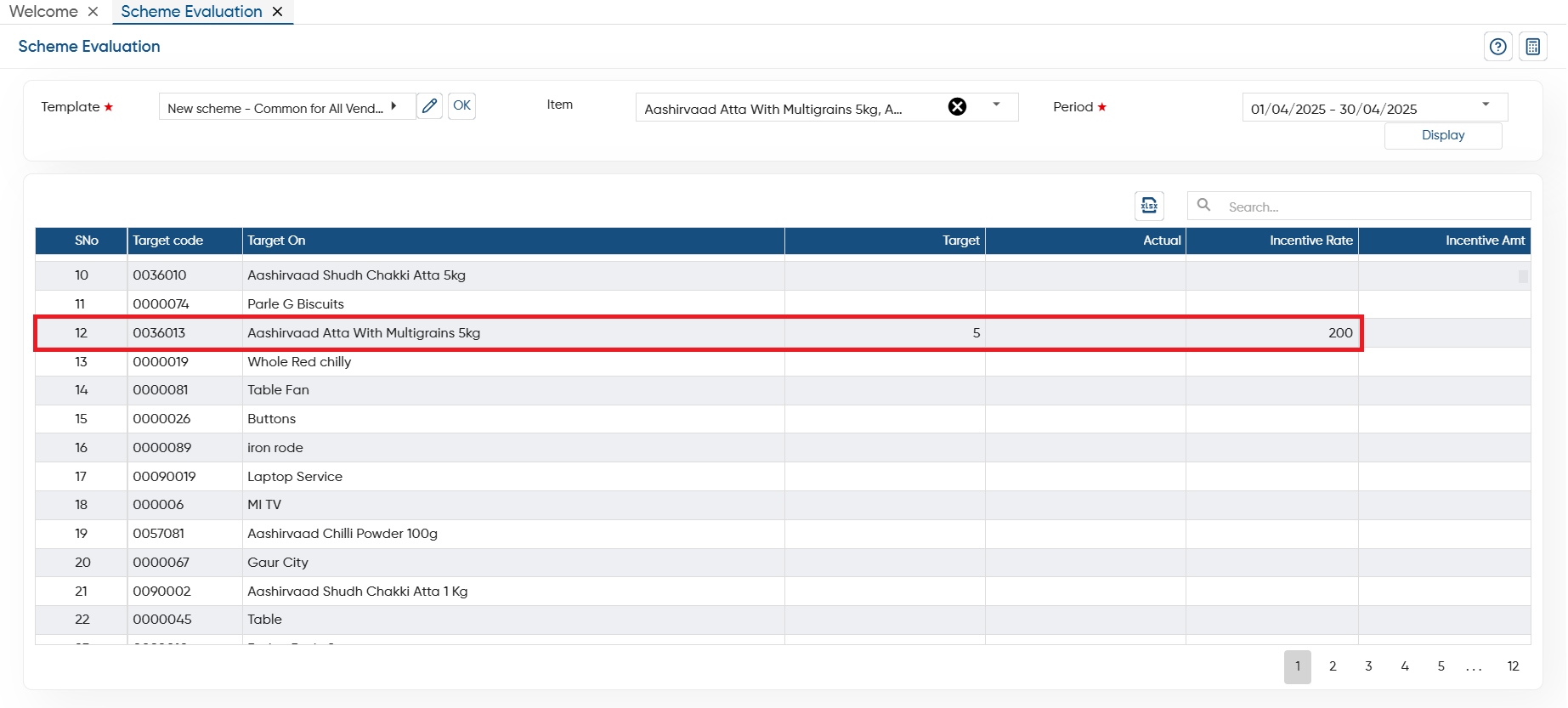
In this way, you can evaluate the scheme in AlignBooks.