
Bulk Purchase Bill From Order
AlignBooks makes managing purchases quick and effortless. With just a few clicks, a Purchase Order can be directly converted into a Purchase Invoice, eliminating the need for manual data entry and speeding up the purchase process.
For businesses that do not require a Goods Receipt stage, AlignBooks provides the flexibility to skip this step. This allows direct conversion of a Purchase Order into a Purchase Invoice, making it particularly useful for service-based transactions, digital products, or situations where immediate invoicing is required.
This feature enhances efficiency by reducing processing time, ensuring data accuracy, and automatically updating stock levels when needed. By simplifying the procurement process, businesses can improve operational flow, maintain accurate records, and strengthen supplier relationships.
Key Benefits of Converting Purchase Order into Purchase Bill:
-
Saves Time: No need to enter data manually, making the purchase process faster.
-
Reduces Errors: Ensures all details remain accurate across documents.
-
More Flexibility: Choose whether to receive goods first or directly create an invoice.
-
Better Efficiency: Streamlines purchasing and inventory updates.
-
Keeps Stock Updated: Automatically adjusts inventory when goods are received.
-
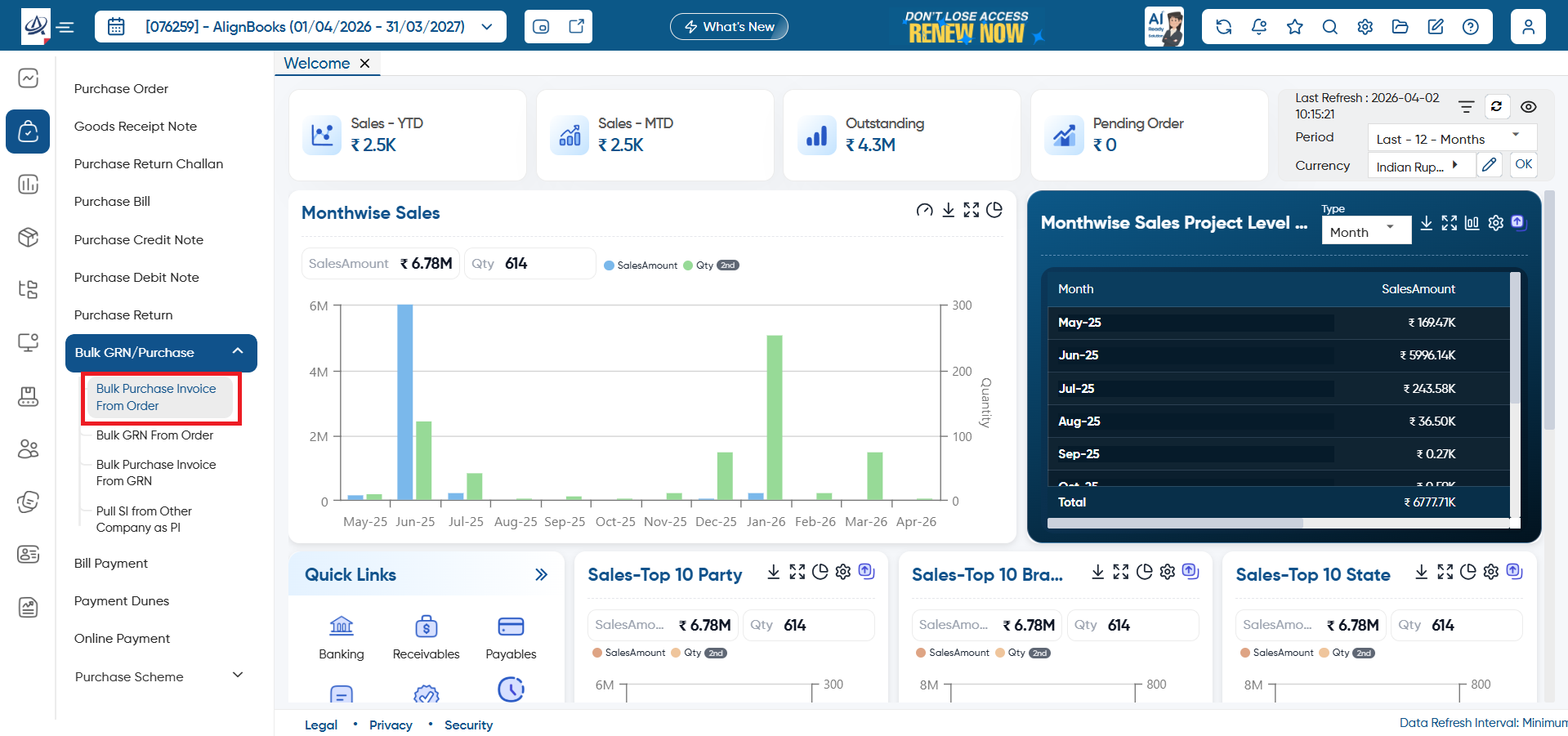
Go to Purchase > Bulk GRN/ Purchase > Bulk Purchase Invoice From Order.
-
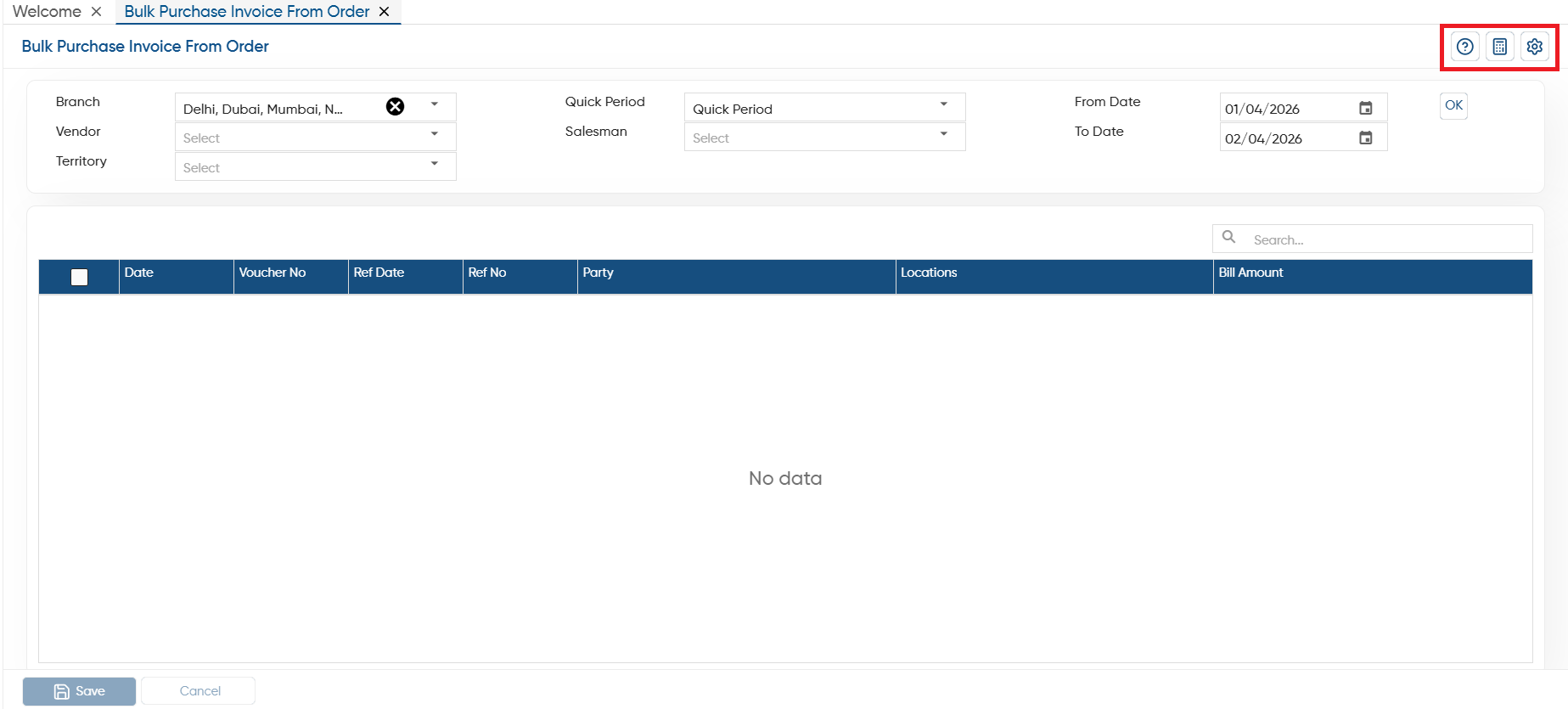
Help: To access the help manual related to the feature, click on the given icon.
-
Calculator: Use the calculator icon for calculations on the same screen. This in-built calculator will help users to do calculations without switching from the software.
-
Configuration: Through the configurations, you can set the approvals, notification and other setting as required.
-
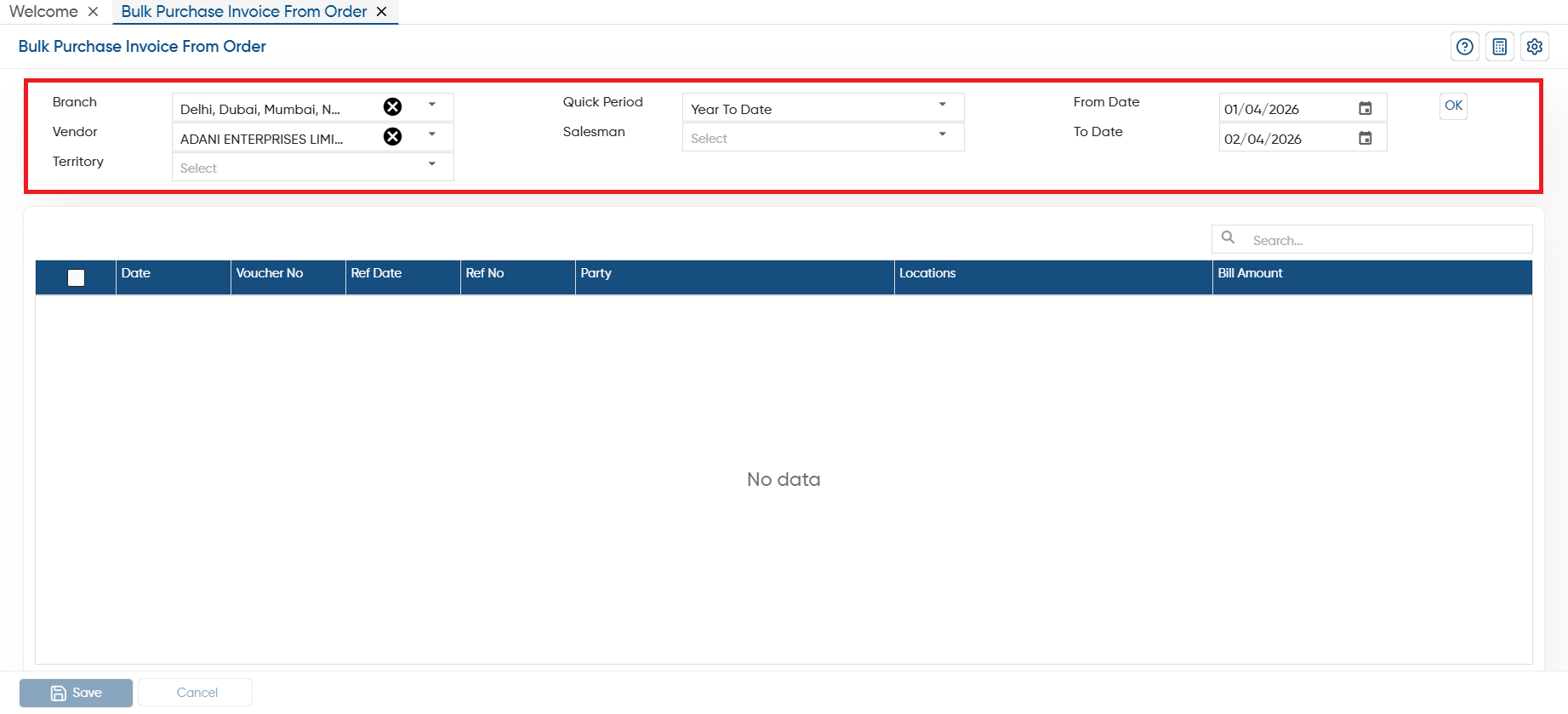
Branch: If your company operates across multiple branches or locations, you can easily select a specific branch or location where you want to bulk transfer the purchase orders into Purchase Bill.
-
Vendor: Select a specific vendor whose Purchase Order you want to convert in Purchase Invoice.
-
Quick Period: Here, you need to select the period such as Yesterday, Monthly, Quarterly, Yearly etc for which you want to convert Multiple Orders in Purchase Bill.
-
From Date: After period selection you can further specify the date from which you want to convert the documents.
-
To Date: Mention the date till which you want to convert the Purchase Order into Purchase Bill.
Click on 'OK' button.
-
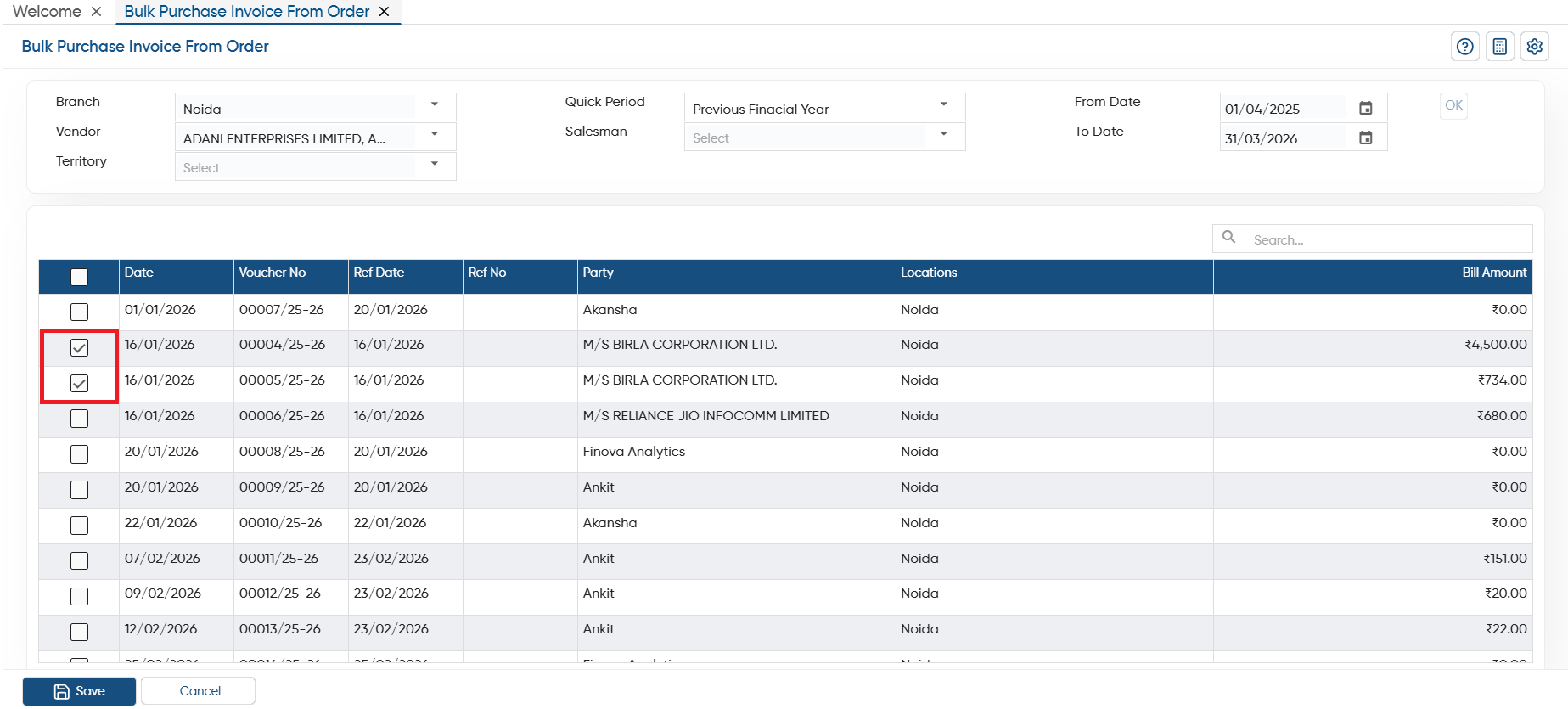
Tick the check box against the Purchase Orders that needs to be converted into the Purchase Bill. Here, you can view the Order Date, Voucher No, Ref No, Party Name, Bill Amount etc.
-
Click on 'Save' button to convert the Orders into Purchase Bill.
-
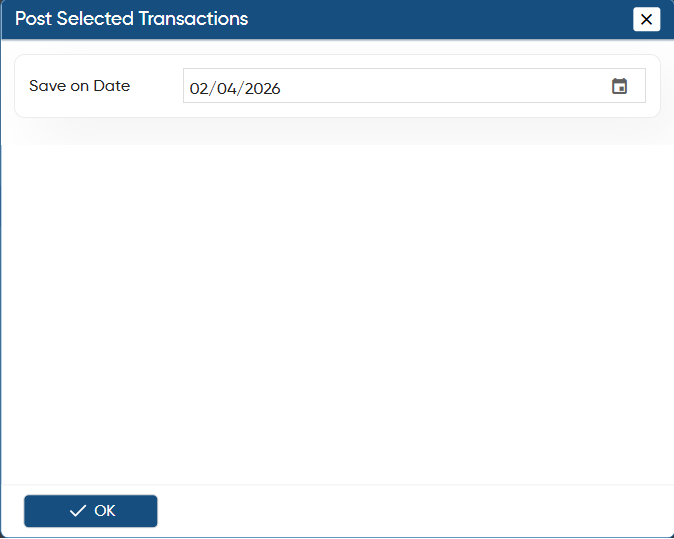
Another window will appear to select the date on which you want to save the all Purchase Bill and click on 'OK' button.
-
Thereafter, you can view the Purchase Invoice will be post on the selected date.
In this way, you can Convert Purchase Order into Purchase Bill in Bulk in AlignBooks.